WhatsApp is the world’s most popular messaging app, with over 3 billion active users worldwide and nearly 597 million users in India. Many people and businesses want to use WhatsApp without sharing their personal SIM-based number – for privacy, testing, or running multiple accounts. A virtual number (a cloud-based phone number) makes this possible. In this guide, we’ll explain what a WhatsApp virtual number is, why you might need one, and exactly how to get a free virtual number for WhatsApp – including tips for India. We’ll cover the latest trends and best tools (including SendWo’s platform) to help you set up WhatsApp easily and securely.
We provide Virtual numbers for WhatsApp
Starting from $20per month [ Cost varies from country to country ]
A virtual phone number works just like a regular number, except it isn’t tied to a physical SIM card or phone. Instead, it exists in the cloud. As one provider explains, “Virtual numbers are like regular phone numbers, but without a need for a SIM card or physical installations”. You can buy or rent these numbers online and use them to receive calls and SMS messages. When you use a virtual number with WhatsApp, you simply enter that number during signup or verification, and WhatsApp will send the confirmation code to the virtual number’s inbox. This lets you activate and run a WhatsApp account on any device without using a personal SIM.
Importantly, a virtual number can be local or international. For example, a virtual number service might offer phone numbers from 90+ countries. This means a business could establish a local WhatsApp presence globally: customers dial a local number and reach your WhatsApp, without you needing a local SIM. In short, a WhatsApp virtual number is just another phone line – it’s “like adding one more phone to your system” – but all handled online.
2. Why Use a Free Virtual Number for WhatsApp?
Using a Free Virtual Number for WhatsApp has several big benefits:
Privacy & Anonymity: You can register WhatsApp without exposing your personal phone number. For example, Grizzly SMS notes that a virtual number is the “best solution” to register on WhatsApp “without revealing your personal number”. This keeps your identity secure and your personal number private.
Multiple Accounts: If you need several WhatsApp accounts (e.g. separate personal and business accounts, or testing accounts), virtual numbers let you create extra profiles easily. You’re not limited by how many SIMs you own.
Spam Protection: Using a disposable or temporary number means you can ditch it if it starts getting spam. As Grizzly SMS puts it, a temporary WhatsApp number is perfect when you want to “avoid spam or need one-time access”.
Global Reach: Businesses can target customers in different countries. For example, you could buy a virtual Indian number to connect with WhatsApp users in India, or a US/UK number to appeal to those markets. This creates a local presence without physical offices. In fact, one provider recommends virtual WhatsApp numbers to “reach customers worldwide without the hassle of managing multiple local numbers”.
Flexible Communication: Virtual numbers often come with extra features (call forwarding, SMS forwarding, etc.). You can receive the WhatsApp verification code or even forward SMS/calls to your real phone. Many apps allow calling and messaging on these numbers like a normal phone.
OTP and Marketing: For marketers or developers, virtual numbers simplify automation. SendWo, for example, offers on-demand virtual numbers specifically for bulk WhatsApp marketing. You can create new WhatsApp accounts or handle OTP (one-time password) authentications using these numbers. This is invaluable for large campaigns or customer support where you need many lines.
In summary, a WhatsApp virtual number lets you maintain privacy, run multiple accounts, and scale communications globally. It’s a common trick for businesses, testers, and privacy-conscious users alike. As one case study noted, switching to a dedicated virtual WhatsApp number helped a growing online retailer streamline communication, maintain personal privacy, and expand reach internationally.
3. How to Get a Free Virtual Number for WhatsApp
Getting a free virtual number for WhatsApp usually means using certain apps or web services. Be aware that truly “free” options often have limitations (like ads, region locks, or expiration). But for simple uses (personal chat, testing), they can work great. Here’s how to do it:
We provide Virtual numbers for WhatsApp
Starting from $20per month [ Cost varies from country to country ]
Use free phone/VoIP apps: In the US and Canada, services like Google Voice, TextNow, and Talkatone let you claim a free phone number. For example, Google Voice provides free U.S. numbers (Free Virtual Number for WhatsApp, with voicemail and forwarding). TextNow also gives you a free U.S. or Canadian number (ad-supported, but no cost). Talkatone is another app where you can get a free U.S. phone number over Wi-Fi. To use these, simply install the app, pick a free number, and then enter that number in WhatsApp. WhatsApp will send a verification code via SMS or call, which you can read in the app or on the service’s website. (Tip: some free numbers work better with voice-call verification than SMS.) Once you enter the code in WhatsApp, your account is active with that Free Virtual Number for WhatsApp.
Try free virtual number apps: There are smartphone apps dedicated to providing temporary or virtual numbers. For instance, the Numero eSIM app offers a way to earn a US Free Virtual Number for WhatsApp by collecting in-app coins. They advertise you can “get your own free US number” to use for WhatsApp verification. Once obtained, you can make calls, send SMS, and receive the WhatsApp code on that number just like a normal phone. Another example is Hushed, which often has a free trial period (then paid).
Use online SMS services (trial/demo): Some websites let you use temporary numbers to receive SMS codes online. These are often used for verification. Free versions may have public lists of numbers (so codes might not be private), but they can work for one-time WhatsApp setup. (Be cautious: many of these are public, so not very secure.)
Limitations to remember: Free virtual numbers can be unreliable long-term. As Sobot notes, a free US number “may expire if inactive” and often isn’t stable for business use. If the number gets reused, you might lose WhatsApp access. Also, most free services only offer US/Canada numbers; Indian Free Virtual Number for WhatsApp are nearly impossible.
Setup Steps: Once you pick a provider and have a number, setting up WhatsApp is straightforward. Install WhatsApp on your phone or PC, enter the Free Virtual Number for WhatsApp with country code, then receive the code. If WhatsApp tries to SMS the code, you check your app or website for the incoming SMS; if it calls, answer through the app. One guide describes this process with Grizzly SMS: “enter the [virtual] phone. The system notifies you about sending SMS. To receive it, go to the website. A notification will appear in your account. Open and copy the confirmation code. Insert the code into WhatsApp.”. After entering the code, WhatsApp activates normally.
4. Virtual Number for WhatsApp in India
India is WhatsApp’s largest market, but getting a Free Virtual Number for WhatsApp there is tough. Due to new regulations, Indian messaging services now have strict rules. In late 2025, India’s Department of Telecommunications mandated that apps like WhatsApp can only work with an active SIM card. In other words, you generally must use a real Indian phone number to register or keep using WhatsApp in India. The DoT’s directions require messaging apps to ensure a SIM is present at all times and to force periodic logouts otherwise.
This means that most convenient Free Virtual Number for WhatsApp tricks (which often use foreign or cloud-based numbers) may not function for WhatsApp in India. If WhatsApp detects a number not tied to an active Indian SIM, it could block it or eventually deactivate the account.
What can you do? There aren’t any truly Free Virtual Number for WhatsApp compliant with these rules. If you absolutely need a number for WhatsApp India (business or personal), you might have to purchase a virtual or VoIP number from a service provider – or use official APIs. For example, some platforms sell verified Indian numbers for WhatsApp setup. Using such a number, you can register WhatsApp in India, use local business features, or access India-only promotions.
In short, if you’re in India: the government expects WhatsApp to be SIM-bound, so free anonymous WhatsApp numbers are effectively obsolete. For business applications, consider services like SendWo, which offers official WhatsApp integrations. SendWo can help you connect Indian customers properly, using approved methods (they even support WhatsApp Business accounts with verified numbers).
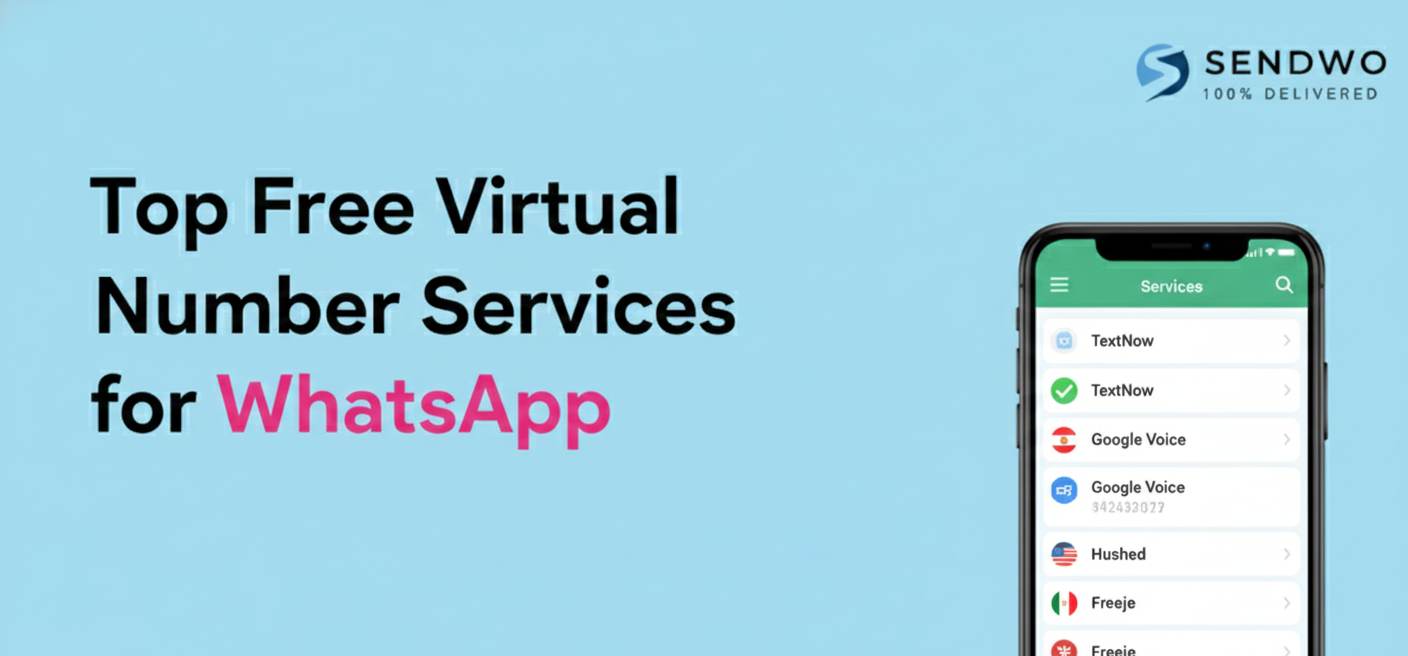
5. Top Free Virtual Number Services for WhatsApp
Many people ask “Which apps give Free Virtual Number for WhatsApp?”. Here are some popular options (mostly for U.S./Canada numbers):
We provide Virtual numbers for WhatsApp
Starting from $20per month [ Cost varies from country to country ]
Google Voice: Provides a free US phone number (you keep it long-term). Easy to use on PC or mobile. You may need a one-time existing number to sign up, but afterwards it’s free. Known to work with WhatsApp if you’re in the US.
TextNow: This app offers free U.S./Canadian numbers (ad-supported). It allows unlimited texting over Wi-Fi. Many users successfully verify WhatsApp with a TextNow number. Just keep the number active or risk losing it.
Talkatone: Another free voice/SMS app giving a US number. Also ad-supported. It works on Wi-Fi and can be used for WhatsApp setup.
Hushed (trial): Hushed provides disposable numbers from many countries. They often have a trial or low-cost plan for a number. Useful for short-term needs (e.g. testing).
Numero eSIM: As mentioned above, this app lets you earn a free U.S. number by collecting points. Once obtained, it acts like a regular phone line (for WhatsApp, calls, SMS).
Sobot (official API): Not free, but worth noting. If you need a business-grade solution, Sobot provides official WhatsApp Business API access and can supply numbers (with reliability and official certification) for enterprises.
Pros & Cons: Free numbers are great to start fast and cost nothing, but they have drawbacks. They may get reassigned if inactive, some may fail verification if heavily used, and many are limited to North America. For personal testing, they’re fine; but for long-term business use, consider paid or official options.
If a free US number isn’t available (or you’re outside US/Canada), you may need a paid virtual number provider. Services like Grizzly SMS, Twilio, or Plivo sell numbers from many countries, including India, UK, etc. These aren’t free, but they’re reliable and support WhatsApp verification. Often they offer “pay-as-you-go” pricing or packages. Some even sell in bulk for marketing.
6. Setting Up WhatsApp with a Virtual Number
Once you have a virtual number in hand, the WhatsApp setup is straightforward. Here’s the typical process:
Install WhatsApp: Download WhatsApp Messenger (or Business) on your device.
Enter Your Virtual Number: Open WhatsApp and when prompted for your number, choose the correct country and type in the virtual number. Double-check the country code!
Receive Verification Code: WhatsApp will attempt to send a 6-digit code via SMS or call. If it’s SMS, you need to check the virtual number’s SMS inbox (on the app or service website). If it’s a call, answer it through the service.
Retrieve the Code: Get the code from your virtual number provider’s app or portal. For example, Grizzly SMS instructs you to “go to the website… a notification will appear… Open and copy the confirmation code”.
Enter Code in WhatsApp: Type the code into WhatsApp. If correct, your WhatsApp account is now active on that number.
Complete Setup: Finish any profile details. If prompted for name or picture, enter as usual.
That’s it! You’re now using WhatsApp with a virtual number. Remember: if WhatsApp ever forces re-verification, you’ll need access to that number again to get a new code. For temporary numbers (some services expire them after one use), this means you might lose the account when the number deactivates.
Example: A Grizzly SMS guide walks through exactly this: first they buy a number, then “install the application or program… specify [the number]… the system notifies you about sending SMS… go to the website… the code appears… insert the code into WhatsApp.” It took only seconds. The same steps apply to almost any virtual number service.
7. SendWo: An Easy Solution for WhatsApp Numbers
If you need a hassle-Free Virtual Number for WhatsApp solution, especially for business campaigns, consider SendWo. SendWo is a complete WhatsApp marketing platform that already includes virtual numbers for verification and messaging. With SendWo you can create a free account and access bulk WhatsApp tools, and they even offer on-demand virtual numbers for account setup. As SendWo explains: “Sendwo provides on-demand virtual mobile numbers for bulk WhatsApp marketing that can be used to create WhatsApp accounts or to manage OTPs for authentication.”.
In practice, this means you don’t have to hunt down third-party apps or worry about expired free numbers. SendWo lets you add multiple WhatsApp numbers (even rotate them) to run campaigns, all through their cloud interface. If you want to test a WhatsApp number, verify an account, or launch large-scale messaging, SendWo has you covered with integrated virtual numbering, analytics, and compliance. (Tip: You can even start on SendWo’s Free Forever plan – no credit card – and upgrade only if you need more messages or numbers.)
Frequently Asked Questions
Q: Can I use a free virtual number for WhatsApp verification?
A: Yes, for US/Canada you can use free apps like Google Voice, TextNow, or TextPlus to get a number and receive the OTP, but these numbers can be region-limited, recycled, or expire; for serious or business use, a paid provider or a platform like Sendwo is more reliable.
Q: Is it legal to use a virtual phone number on WhatsApp?
A: Generally yes, as long as you respect WhatsApp’s Terms of Service and local telecom laws, and you don’t use the number for spam or illegal activity.
Q: How long do temporary WhatsApp numbers last?
A: Many “burner” numbers work only for 20–60 minutes (just long enough to get a code), while app-based numbers like TextNow can last longer but may be reclaimed if you stay inactive.
Q: Can I get an Indian free virtual number for WhatsApp?
A: Truly Indian Free Virtual Number for WhatsApp are extremely rare due to regulations; in most cases you’ll need a paid or enterprise solution, and tools like Sendwo can help with compliant WhatsApp Business numbers.
Q: Which is the best free app for a WhatsApp number?
A: For US/CA, Google Voice is strong if you qualify, while TextNow and Talkatone are easy to set up; outside these regions, you usually have to rely on trials or low-cost virtual number services rather than fully free options.
Q: How do I use multiple WhatsApp accounts?
A: Use a different (real or virtual) number for each account, then run them via clone apps or dual-app features on Android, separate devices/profiles on iPhone, or manage many numbers centrally with a platform like Sendwo.
Conclusion
Virtual numbers unlock new possibilities for WhatsApp – from safeguarding your personal number to enabling global marketing campaigns. We covered what virtual phone numbers are, why you might want one, and step-by-step how to get a free virtual number for WhatsApp. We also discussed India-specific rules, the pros and cons of free services, and even shared top providers.
Whether you’re testing WhatsApp bots, running side businesses, or engaging customers worldwide, virtual numbers can make it simpler. For a robust solution, consider SendWo, which bundles Free Virtual Number for WhatsApp with a full WhatsApp marketing suite. With SendWo’s free plan, you can start experimenting immediately, create new WhatsApp accounts on the fly, and send bulk messages without worrying about SIMs or numbers. After setting up your number, it’s important to understand message status indicators like what does double tick mean in WhatsApp to track communication effectively.
We provide Virtual numbers for WhatsApp
Starting from $20per month [ Cost varies from country to country ]
Aditi, a content marketer at SendWo, is a passionate writer and marketing enthusiast. She excels in driving revenue campaigns, building client relationships, and mastering content creation, SEO, customer service, and project management.
SendWo is Meta's official business solution Provider. Broadcast Bulk WhatsApp messages and automate using AI Chatbots.