
Connect Facebook Pages
Bring your business Pages into Sendwo and manage Messenger communication without switching accounts.
Connect your Facebook Pages, automate Messenger replies, broadcast updates, answer FAQs with AI, capture leads, manage subscribers, and handle live chat from one Sendwo dashboard.
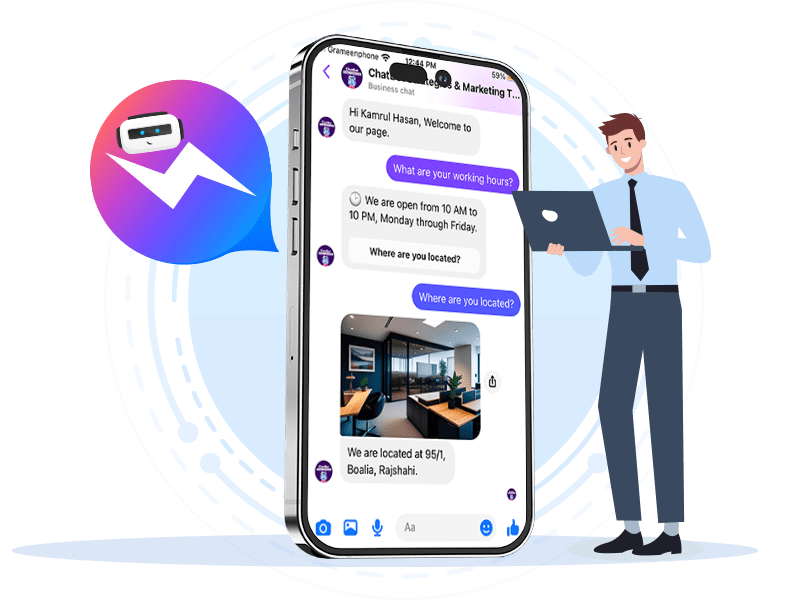
Use AI and chatbot flows to answer common Messenger questions 24/7.
Manage messages from multiple Pages without switching accounts.
Share offers, reminders, product updates, and campaign messages.
Trusted by fast-growing brands and teams using Sendwo for customer communication










Sendwo helps businesses automate Facebook Page messages, create AI-powered Messenger chatbots, broadcast updates, manage subscribers, and support customers from one place.
Bring your business Pages into Sendwo and manage Messenger communication without switching accounts.
Train AI with docs, PDFs, text, FAQs, and website links so customers get instant answers.
Send offers, reminders, content updates, product drops, and announcements to your Messenger audience.
Manage Messenger conversations, assign human agents, and support customers from one shared inbox.
Show clickable FAQ prompts before users type so they can start faster and get guided responses.
Add quick navigation options for FAQs, catalogs, offers, support, bookings, and product pages.
Trigger replies based on keywords, user choices, profile data, or specific Messenger interactions.
Send reminders and follow-ups based on user actions to recover inquiries and improve sales outcomes.
Your team should not waste time jumping between Page inboxes. Sendwo brings conversations into a unified dashboard where automation and human support can work together.
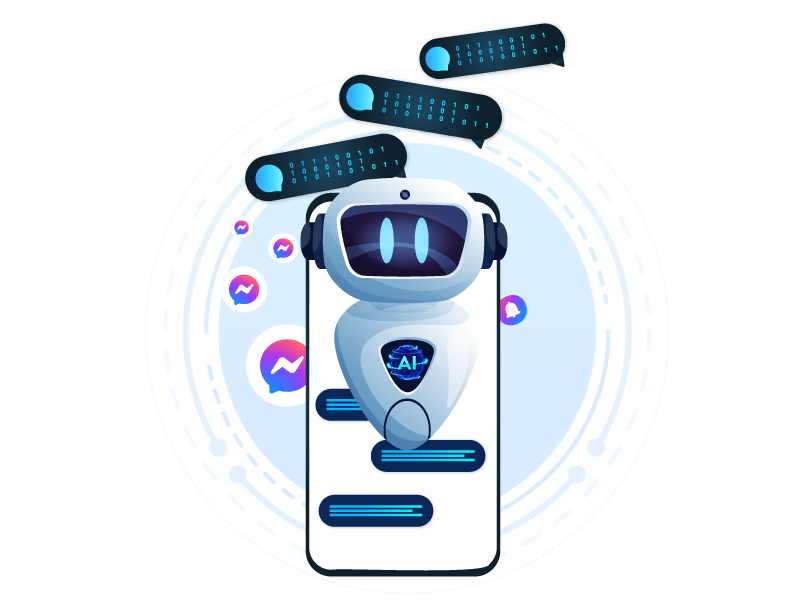
Sendwo AI can respond to common Facebook Messenger questions using your business content, documents, FAQs, web pages, product details, and support knowledge.
Smart FAQs and icebreaking questions guide new subscribers before they type. This improves engagement and reduces repetitive support questions for your team.
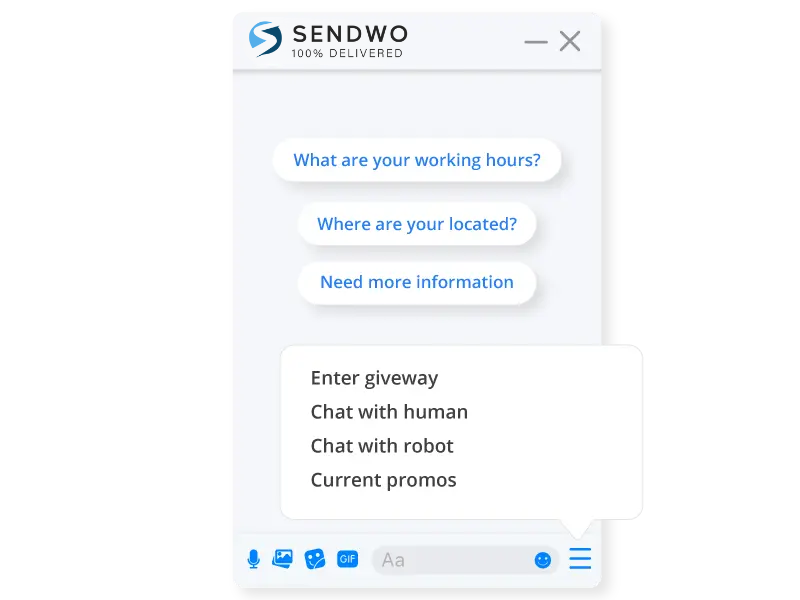
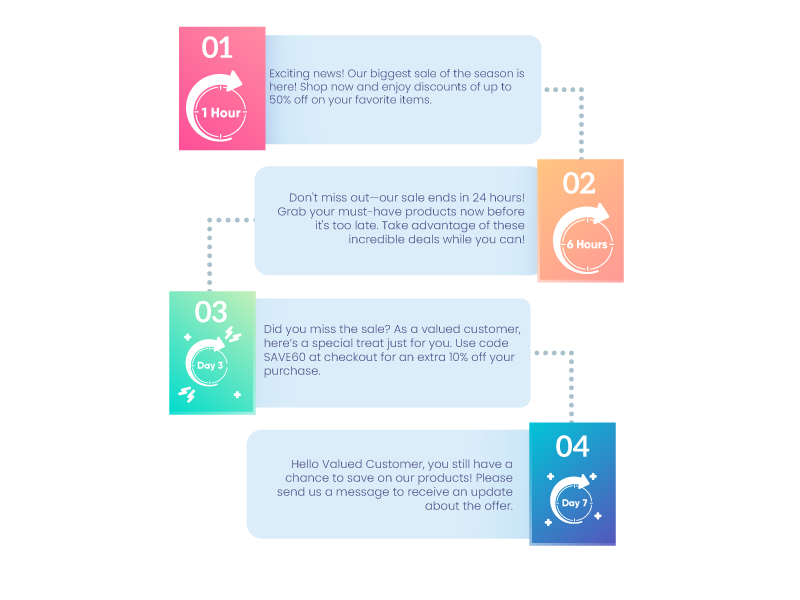
Sendwo helps you build Messenger flows that respond differently based on keywords, triggers, user choices, form inputs, and campaign actions.
Messenger is not only for answering questions. With Sendwo, it becomes a live support channel, sales inbox, lead capture system, and follow-up engine for Facebook-driven customers.
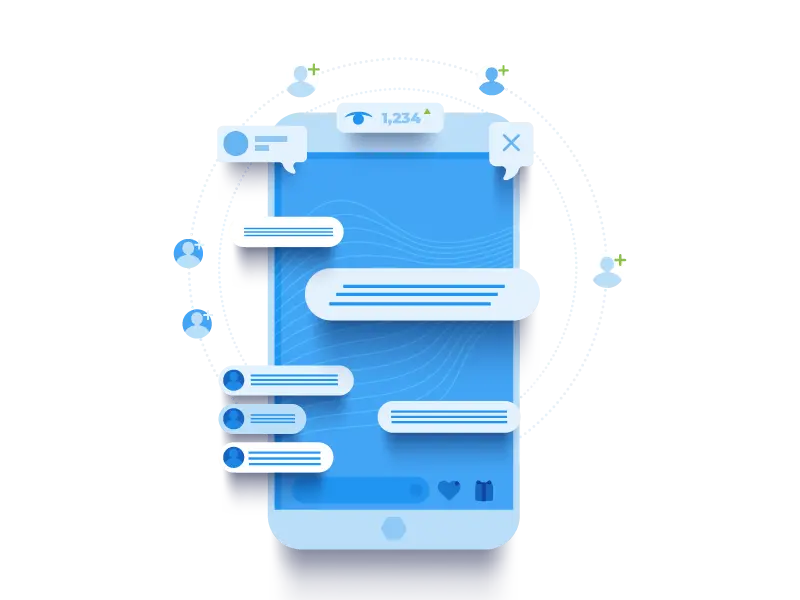
Sendwo lets you build Messenger workflows that help customers get answers, discover offers, ask product questions, and continue conversations with your team.
Collect names, requirements, interests, and contact details through Messenger flows.
Answer product, service, price, availability, and order-related questions automatically.
Enable auto replies for Facebook Page posts and campaign-driven engagement.
Automate common support questions and route complex cases to your team.
Send reminders, offers, updates, and reactivation messages to engaged subscribers.
Connect your Facebook Page, create chatbot workflows, and let Sendwo automate Messenger conversations.
Easily link your Facebook Business Page to Sendwo and prepare Messenger automation.
Create workflows to answer FAQs, share products, capture leads, and route serious inquiries.
Let the chatbot handle inquiries, follow-ups, appointments, order questions, and support replies.
Facebook Messenger automation works even better when connected with Sendwo’s AI, WhatsApp-first workflows, contact management, and omnichannel chatbots.
Train AI once and use it across Messenger, WhatsApp, Instagram, Telegram, and website chat.
WhatsApp WhatsApp Business APIMove serious leads into official WhatsApp conversations and follow-ups.
Contacts Contact ManagementOrganize Messenger subscribers, labels, custom fields, and lead details.
Reports Broadcast AnalyticsTrack campaign performance and understand engagement across broadcasts.
Automation Marketing AutomationBuild campaign flows, reminders, reactivation messages, and support automation.
Segmentation Labels & SegmentationTarget Messenger subscribers based on behavior, interest, source, or action.
Channel Telegram ChatbotExtend automation into Telegram bots, groups, broadcasts, and support.
Developer API OverviewConnect Messenger workflows with custom systems, webhooks, and external tools.
Sendwo helps businesses automate customer conversations across WhatsApp, Facebook Messenger, Instagram, Telegram, and website chat.


Messenger automation is useful when your Facebook audience sends repetitive questions, product inquiries, and campaign responses.
“We integrated multiple Facebook pages, and the AI chatbot handles most of our customer queries instantly. It has saved us hours of manual work.”
“Since setting up the chatbot, we have seen stronger customer interactions, and our sales inquiries have improved. Highly recommended.”
“The automated FAQs and follow-ups ensure our customers get instant responses even after business hours. It feels like having a 24/7 support team.”
Use Sendwo with ecommerce platforms, forms, payment gateways, APIs, webhooks, Google Sheets, and AI tools.
 WooCommerce
 Elementor
 WP Forms
 Zapier
 Shopify
 Stripe
 Razorpay
 OpenAI
 PayPal
 PhonePe
 Google Sheets
 Webhooks
Here are the common questions businesses ask before setting up Facebook Messenger automation with Sendwo.
Yes. You can connect your Facebook Page to Sendwo and create Messenger chatbot flows, AI replies, FAQs, broadcasts, and live chat workflows.
Yes. Sendwo helps you connect and manage multiple Facebook Pages from one dashboard, so your team does not need to switch between different Page inboxes.
Yes. Sendwo AI can be trained with FAQs, documents, text, website links, and business content to answer repetitive Messenger questions.
Yes. You can use Messenger broadcasts to send updates, offers, announcements, reminders, and campaign messages to your audience.
Yes. Automation can handle routine conversations, and your team can join the chat when a customer needs human support or sales assistance.
Yes. Messenger automation can capture leads from Facebook Pages, comments, ads, product inquiries, and campaign interactions, then route them into follow-up workflows.
Start free, connect your Facebook Page, build AI replies, automate FAQs, broadcast updates, and manage Messenger conversations from one Sendwo dashboard.