
Embedded website chat
Give visitors a convenient place to ask about products, services, bookings or support without leaving the page.
AI Website Chatbot
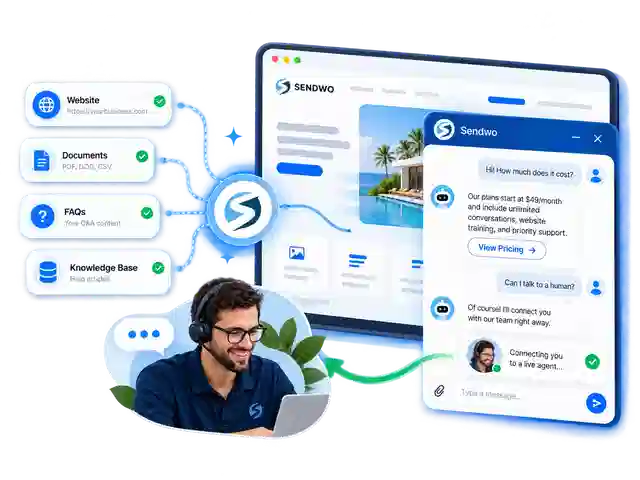
Add Sendwo's AI-powered chat widget to your website so visitors can ask questions, browse options, share their requirements, and reach your team when needed. Build guided flows, use your own knowledge sources and connect external tools without building a custom chat application.
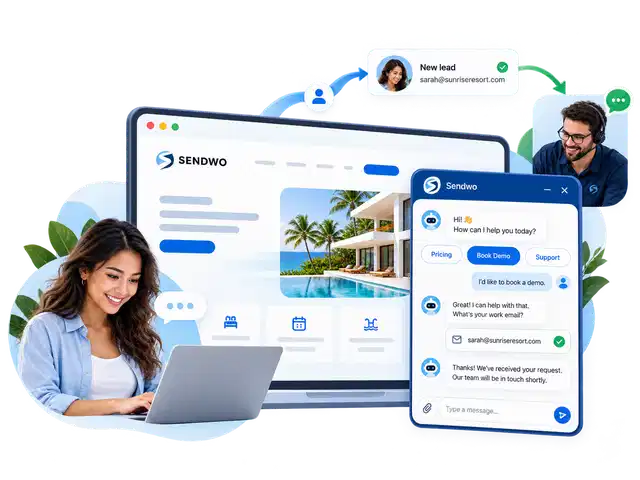





 Franchise outlets




Core capabilities
Choose a structured conversation, let an AI agent answer a free-text question or invite a teammate into the conversation.
Give visitors a convenient place to ask about products, services, bookings or support without leaving the page.
Use configured business information and AI to handle questions that do not fit a predefined button or keyword.
Collect contact information and requirements inside the conversation, then organize them for follow-up.
Design greetings, questions, quick replies, conditional steps and next actions on a visual canvas.
Guide product discovery with supported buttons, media and interactive options in the widget.
Let a team member take over when a question needs judgment, account access or personal assistance.
Connect configured flows to external data sources or send captured details to supported systems.
Inspect conversation activity and available integration or error information while refining the workflow.
Website visitor assistance
A visitor checking a product, resort room or service plan may need one answer before taking the next step. Let them ask directly in webchat rather than forcing them to search several pages or wait for an email response.
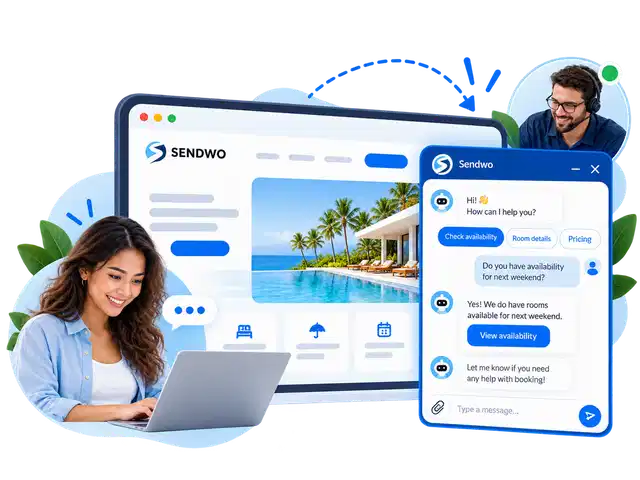
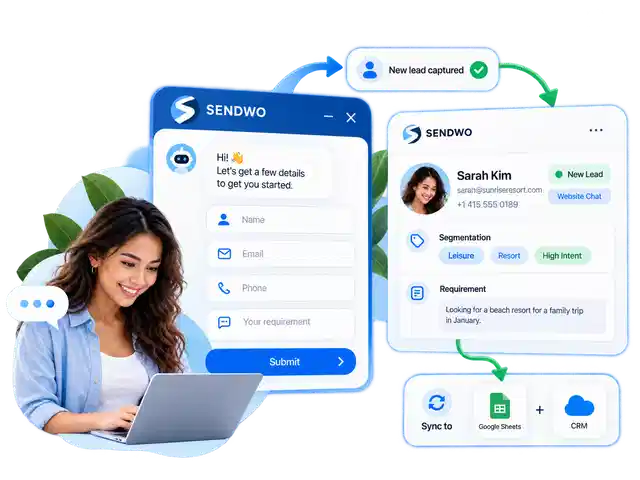
Lead capture and subscriber records
Ask for the information your team actually needs, such as a name, email, enquiry type or preferred service. Save responses to the visitor profile and use configured integrations to make the details available for follow-up.
Conversation automation
Some enquiries follow a predictable path. A visitor may want pricing, product details or a demo. Create guided steps, collect the next answer and trigger the appropriate action without sending everyone through the same response.
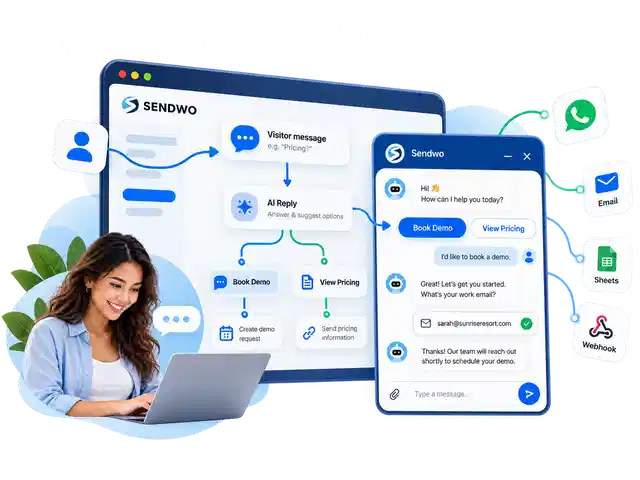
AI agent and live support
Configure your AI assistant around business FAQs, documents and website information so it can respond to open-ended enquiries. Combine those responses with structured flows, and hand the conversation to a person for situations that need human review.
Practical website chat workflows
These are examples of how website chat flows can be configured, not customer performance claims.
Answer check-in questions, collect stay dates and pass booking enquiries to reservations.
Share product information, check availability through a connected source and send shoppers to the correct product page.
Explain courses, collect programme interests, share syllabus links and route admissions enquiries.
Qualify enquiries with a short questionnaire and share a scheduling link when appropriate.
Collect an order or tracking number and request shipment information from an authorized connected API.
Guide visitors to documentation, capture demo requirements and escalate account-specific questions.
Getting started
Set the greeting, appearance, lead questions and initial conversation choices inside Sendwo.
Copy the supplied embed script into your website or add it using an appropriate website builder integration.
Add knowledge and flows, configure handoff and integrations, then test real visitor scenarios before launch.
Other platforms
Questions
No. Sendwo provides a website chat widget and visual chatbot builder. You still need to add the supplied installation script to your website and configure the workflows you want visitors to use.
Yes. You can configure AI around supported business information such as FAQs, documents and website content. Review the sources and test its responses before deploying it to customers.
Yes. Structured chat steps can collect contact details and requirements. These can be organized in Sendwo and used in configured downstream integrations.
When connected to an appropriate external data source through a supported API or workflow, the chatbot can retrieve information and present a response. It does not automatically know your live stock, order status or availability without that connection.
Yes. A human operator can handle conversations that require personal assistance, depending on your configured inbox and handoff workflow.
The widget uses an embed script that can be placed on websites that allow the necessary scripts. Test installation and styling in your specific theme or builder.
No. Website webchat lets visitors converse inside your site. A WhatsApp chat widget directs the visitor toward a WhatsApp conversation. Sendwo supports both approaches for different customer journeys.


