
WhatsApp’s check mark system – those little ticks that appear next to your messages – can sometimes be puzzling. A double tick mark in WhatsApp (two gray check marks) indicates that your message has successfully been delivered to the recipient’s device. Meanwhile, a single gray tick means the message was sent from your phone but hasn’t reached their phone yet, and two blue ticks mean the message was read. With over 2 billion users on WhatsApp, it’s normal for people to wonder about the exact meaning of these ticks.
If a single gray tick persists for a long time, the recipient might be offline (phone off or no internet). A single tick could also mean you’re blocked, but it’s not the only sign.
Sendwo (an official WhatsApp API platform) uses the same tick system in its delivery reports – helping you track if your bulk WhatsApp messages are sent, delivered, or read by your contacts.
When you send a WhatsApp message, you’ll notice check mark symbols appear next to it. These WhatsApp check marks (or ticks) are WhatsApp’s way of giving you live feedback on your message status
They act as read receipts and let you know if a message was sent, delivered, or read. Let’s break down each symbol so you know exactly what’s happening with your messages:

After you hit send, the first thing you might see is a single gray check mark (✓). This single tick means your message has successfully left your device and reached WhatsApp’s server. In simple terms, the message is sent, but not yet delivered to the other person’s phone. There are a few reasons you might see one gray tick for a while:
When you see two gray check marks (✓✓) next to your message, this is the famous Double Tick Mark in WhatsApp that everyone talks about. Two gray ticks mean that your message has been delivered to the recipient’s phone. In other words, the message made it across the network and onto their device successfully. However, it does not mean the person has read your message yet – it only confirms delivery. The Double Tick Mark in WhatsApp saying “ Message delivered.”
Whether you’re messaging a friend or using WhatsApp for business, the meaning of the Double Tick Mark in WhatsApp is the same. (Even WhatsApp Business accounts with a verified green badge operate with the same gray and blue tick system – the green verification check mark is separate and only indicates a verified business, not message status).The Double Tick Mark in WhatsApp will appear as soon as the message reaches the other device, and they will remain gray until the recipient reads the message.
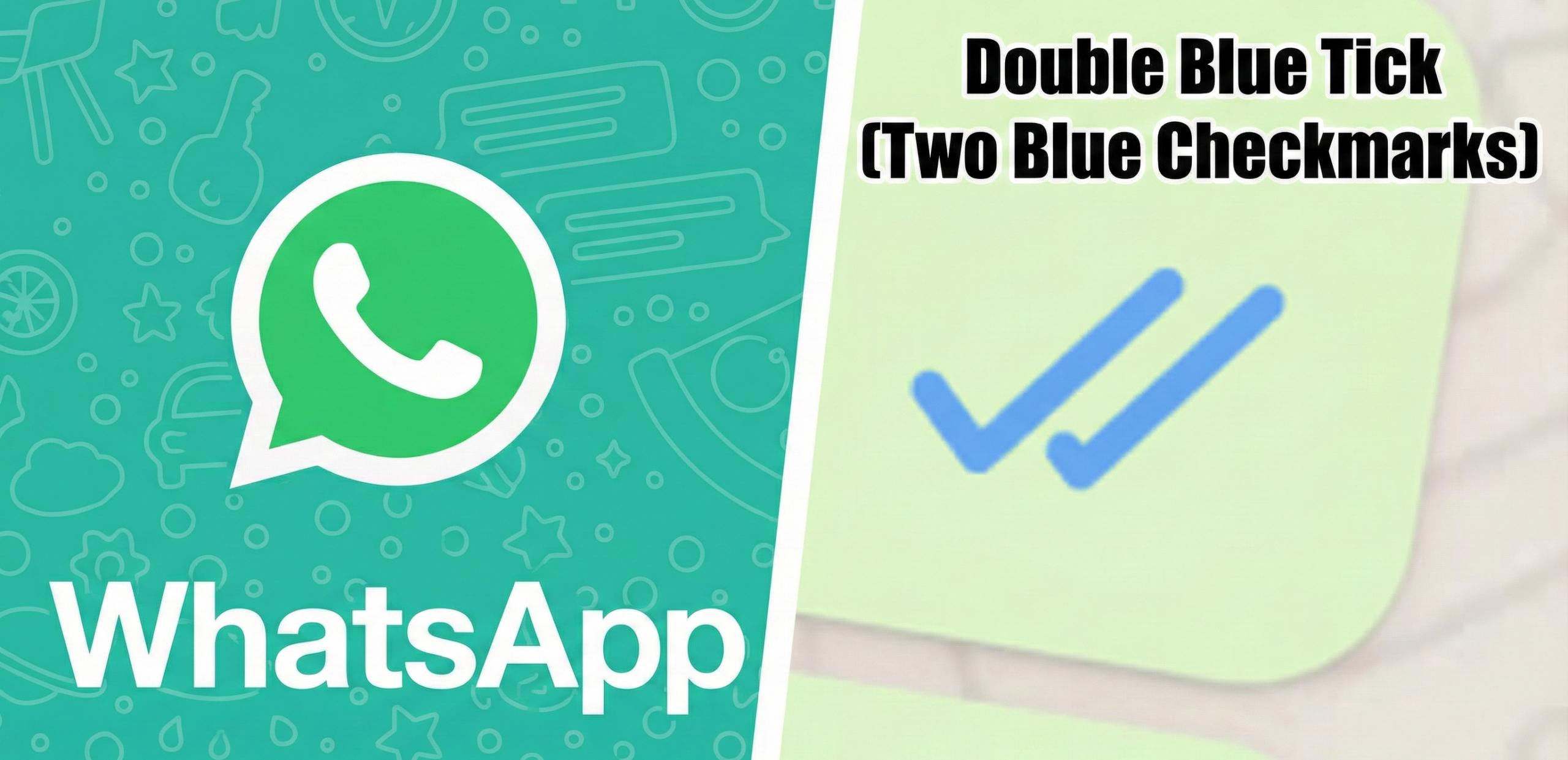
Finally, when those two gray ticks turn to two blue ticks (✓✓), it indicates that your message has been read by the recipient. The blue check marks are WhatsApp’s way of saying “ message seen.” As soon as the person opens your chat and views the message, the gray ticks go blue. Now you can be confident that the recipient has seen your content.
If you do not see blue ticks, there are two main possibilities: either the person hasn’t read the message yet, or they have turned off read receipts in their settings. WhatsApp allows users to disable the blue tick read receipts for privacy. If they have this turned off, your message might stay at two gray ticks even after they read it
. (Keep in mind that if they disable read receipts, you won’t see blue ticks, and likewise they won’t see blue ticks when you read their message.)
Here’s a quick summary of the WhatsApp tick marks and what they mean:
Check Mark What It Means
No matter if you use WhatsApp for personal chats or business chats (or even if you send messages via a platform like Sendwo), these check marks always mean the same thing. This consistency makes it easy to track your message status at a glance.
In WhatsApp, a Double Tick Mark in WhatsApp (two gray ticks) appears once your message is delivered to the recipient’s phone. It confirms delivery but not reading – the ticks will turn blue only after the message is opened by the recipient.
Delivery Status
So, what exactly happens when you send a WhatsApp message? Understanding the flow will clarify why and when you see that Double Tick Mark in WhatsApp. Here’s how the message delivery process works:
You might notice that the Double Tick Mark in WhatsApp can show up quickly or take some time, depending on the situation. For example, if the recipient’s phone is online and WhatsApp is active, you might see the Double Tick Mark in WhatsApp almost instantly after the single tick. But if their phone is off or they have no internet access, your message will stay at one tick until they come online. WhatsApp uses its servers to continuously try delivering your message, so even if there’s a delay, it will turn into a double tick as soon as the message gets through. (If the message remains as one tick indefinitely, it could mean the number is not registered on WhatsApp or you might have been blocked.)
Note: The Double Tick Mark in WhatsApp always means the message was delivered to the device, but not necessarily read. It’s essentially waiting for the recipient to read it. Until those ticks turn blue, you can assume the person hasn’t seen your message yet.
Sometimes you send a message and it stubbornly shows only one gray tick, never turning into a Double Tick Mark in WhatsApp. Why would the Double Tick Mark in WhatsApp not show up? Here are some common reasons:
The blue ticks are the clearest indicator that your message has been read. In a one-on-one chat, two blue ticks will appear the moment the recipient opens your conversation and the message renders on their screen. This is your confirmation that the message isn’t just delivered, but actually seen by the other person. Many users immediately look for the blue ticks to answer the question: “Did they read my message?”
Keep in mind a couple of caveats:
If the recipient hasn’t read your message yet (maybe they saw the notification but didn’t open the app), the ticks will remain gray until they do open it.
Message Info: Delivery and Read Times
WhatsApp provides a handy feature called Message Info that lets you dig deeper into the status of a particular message. You can use it to find out exactly when your message was delivered and when it was read. To use this feature, open your WhatsApp chat, then tap and hold on your sent message, and choose the “Info” option (it might appear as an ⓘ icon or under a menu labeled “Info”). This will bring up the Message Info screen, which shows detailed timestamps:
Delivered – the time your message was delivered to the recipient’s device.
Read or Seen – the time when the recipient actually read the message (i.e., when the ticks turned blue on their end).
A single gray tick (✓) means your message was sent from your phone but hasn’t been delivered to the recipient’s device yet. Their phone may be off, offline, or out of network coverage.
Two gray ticks (✓✓) mean your message was delivered but not read yet. Blue ticks appear only when the person opens the message and read receipts are enabled on both sides. If they stay gray, the person hasn’t read it or has disabled read receipts.
Yes. Go to Settings → Account → Privacy → Read Receipts and turn it off. You won’t see others’ blue ticks either. (Note: This doesn’t apply to group chats or voice messages.)


