
Build relevant audiences
Use labels, lists and saved customer details to prepare groups for offers, reminders and follow-up.
Contact management
Manage your WhatsApp audience and subscribers from Facebook Messenger, Instagram, Telegram and Web Chat in Sendwo. Filter the right group, organize customer details, and give your team the context to follow up.
Start with Sendwo’s free plan. Features depend on your plan and connected channel. Applicable WhatsApp messaging charges are paid separately to Meta.
Brands that have used Sendwo






An organized customer database
Know where a contact came from, what information you have, and who should handle the next step.
Use labels, lists and saved customer details to prepare groups for offers, reminders and follow-up.
Bring profile details, engagement information and internal notes into the subscriber workspace.
Assign a team member and manage available bot and AI reply controls from the contact record.
Five channels, one workspace
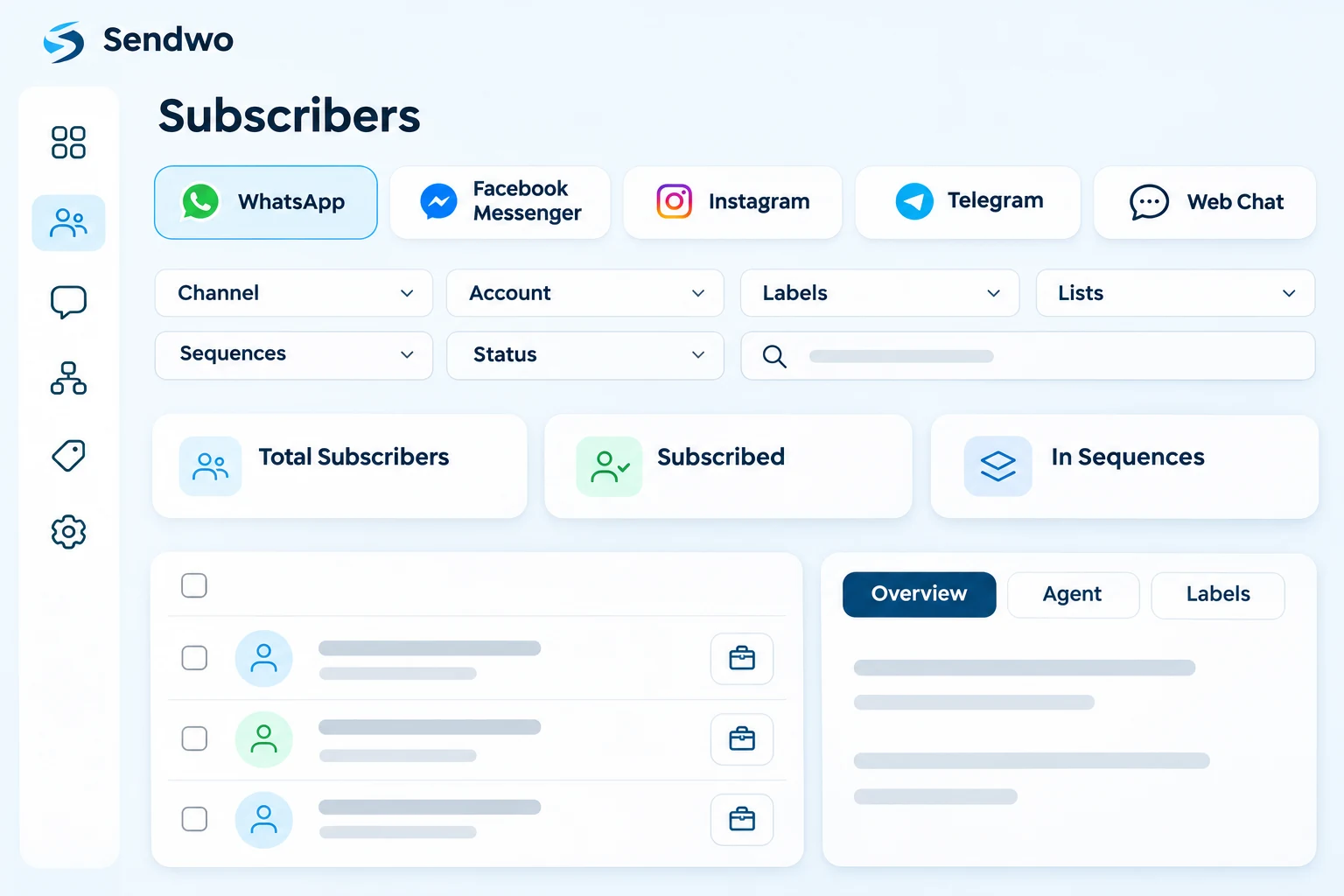
Open a channel from the Subscriber Manager menu or change the channel filter in the subscriber view. Choose the connected account you want to work with, then review that audience and its available details.
 WhatsApp
 Facebook Messenger
 Instagram
 Telegram
 Web Chat
The view shows Total Subscribers, Subscribed and In Sequences for the selected channel context. Available profile fields and actions vary by channel; contacts are not automatically merged into one identity across platforms.
Find and organize
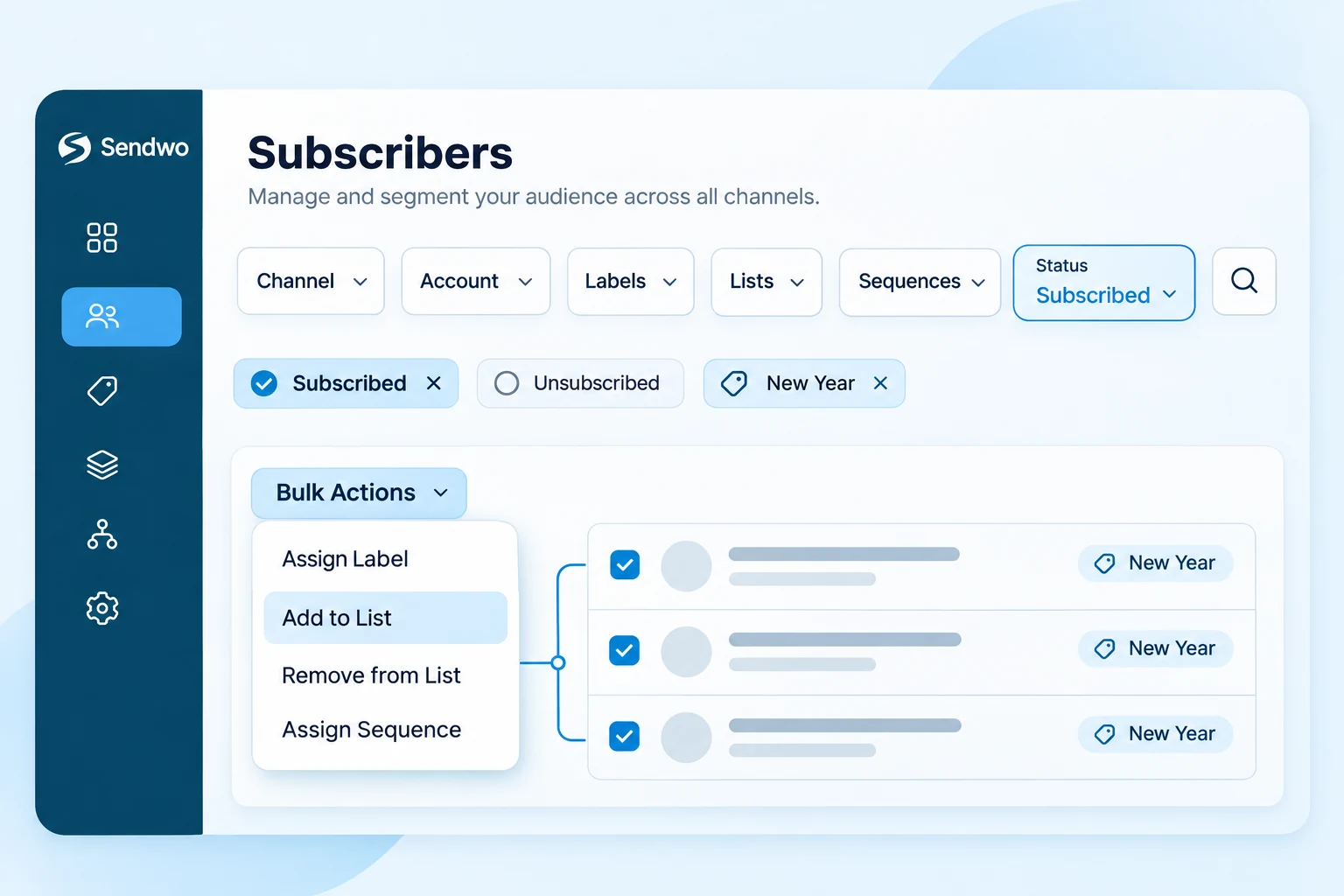
Start with the channel and connected account. Narrow the list by labels, lists, sequences or subscription status, then search by the name, number or email available on the record.
Manage labels on an individual profile when one person needs a different segment. Bulk changes apply to the contacts you select.
Subscription status
Filter unsubscribed contacts to understand which part of your audience has opted out. Subscription status is separate from the labels you use for segmentation.
Review the contacts still subscribed in the selected channel. Prepare relevant campaign audiences using the filters and consent information available to your team.
Find opted-out records with the status filter. Configure your unsubscribe flow, then review the resulting status and exclude opted-out contacts from promotional audiences.
A label or list membership does not restore permission to message someone. Keep subscription status in view when preparing campaigns and sequences.
One subscriber, complete context
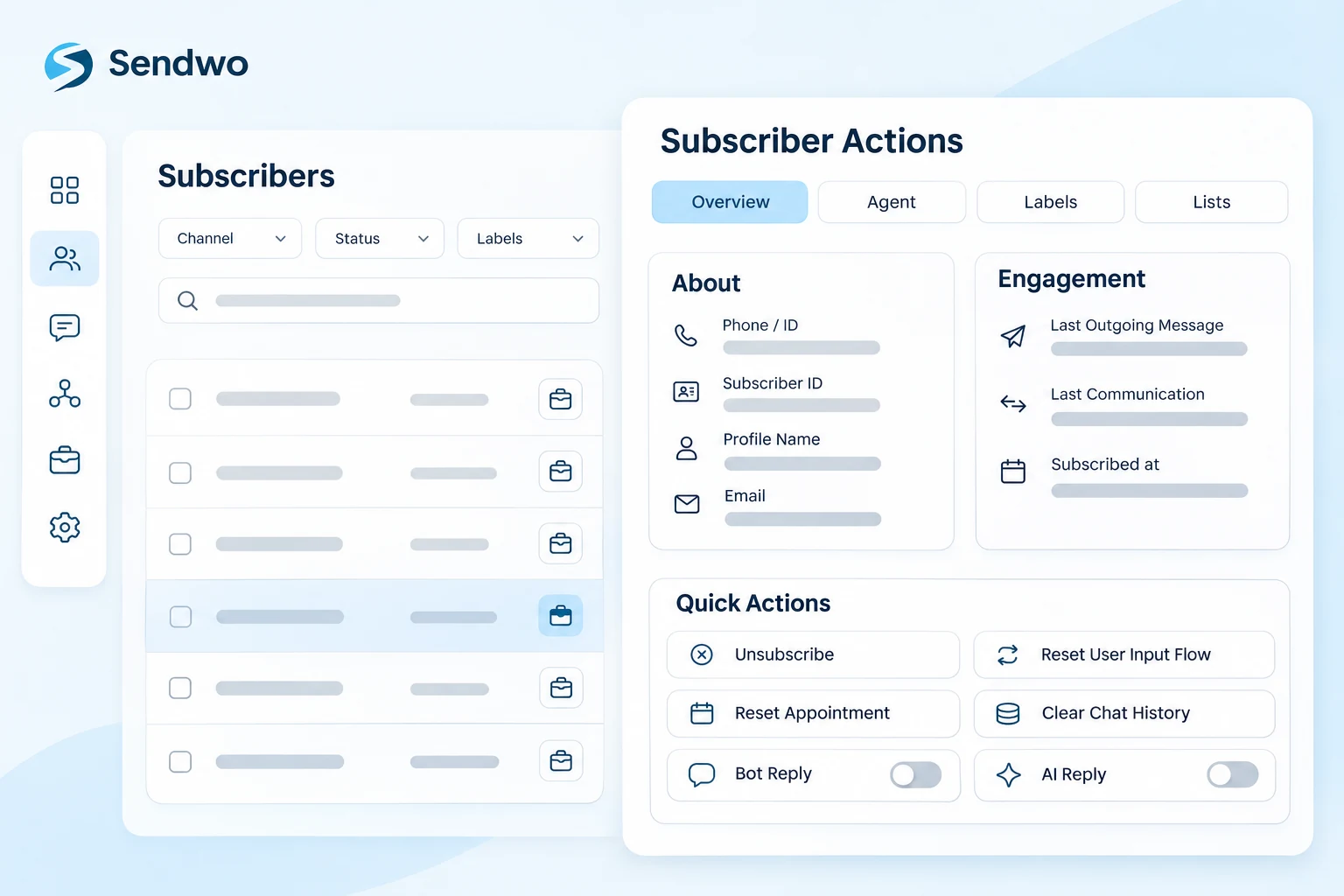
Use the briefcase icon beside a subscriber to open Subscriber Actions. The overview keeps identity and engagement details beside the controls your team needs.
Available quick actions include unsubscribe, reset User Input Flow, reset appointment, clear chat history, and bot or AI reply controls. Use resets and history clearing only when that change is intended.
Details your team can use
Store useful customer information alongside the subscriber. Use custom fields for structured values, such as an address or product requirement, and internal notes for the context your team should retain.
Move data without retyping
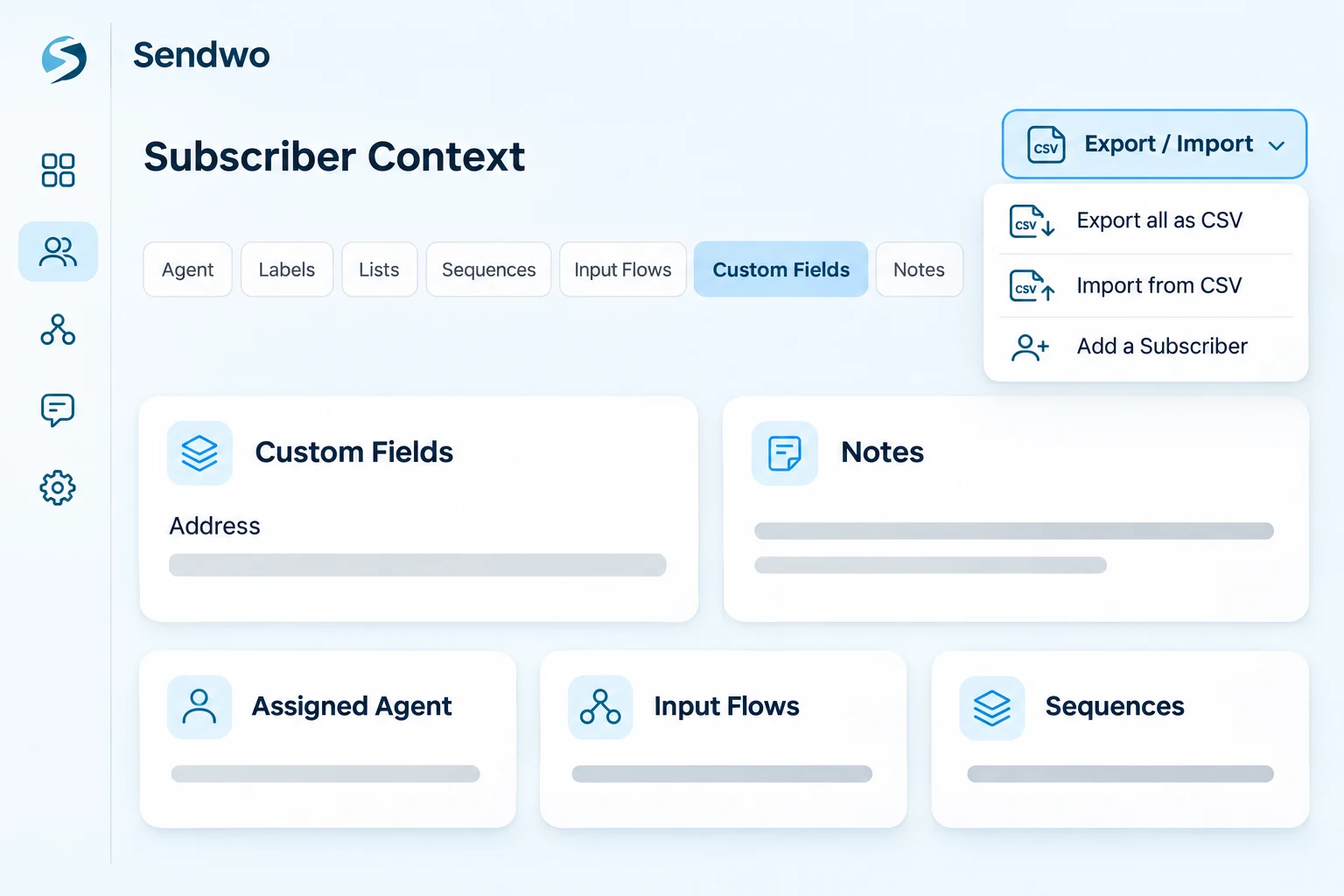
The Export / Import menu keeps common subscriber data tasks together.
Bring an existing contact file into the supported import workflow. Check field mapping, channel requirements and permission to contact before use.
Use the subscriber export option when your team needs to work with the contact data outside Sendwo. Check the chosen account and export scope before downloading.
Create an individual subscriber when you need to add a contact manually, then organize the record with the appropriate details.
From first contact to follow-up
Add subscribers through supported imports, manual creation, connected conversations, forms and configured integrations.
Review profile details and use labels, lists, custom fields and notes to retain what matters.
Build a relevant audience and configure the appropriate campaign, sequence or follow-up.
Give the assigned agent context and continue the conversation through the shared inbox and Sendwo AI where configured.
Contact management capabilities
Explore the subscriber tools and connected workflows available for organizing, segmenting and following up with customers.
Keep the audience and profile details organized before your next campaign.
Use customer data to decide who belongs in the next message, rather than broadcasting the same offer to everyone.
Keep subscriber controls distinct from the conversation and AI tools connected to them.
The Subscriber Manager organizes the audience. Connected campaigns and integrations handle the messaging journeys you configure.
Built for day-to-day teams
Capture requirements, assign a label, update customer details and give the right agent a clear next step.
Prepare relevant groups using subscriber filters and the targeting criteria supported by your campaign.
Organize buyers, cart-reminder audiences, repeat customers and product-interest groups from your connected store data.
Keep issue details, internal notes, assigned team members and conversation context available when a customer needs help.
Select the right channel and connected account, then organize client audiences with clear labels, lists and follow-up context.
Group registrants, assign reminder sequences and prepare replay or reactivation follow-ups for eligible subscribers.
Customer stories

Customer communications, promotions and follow-ups.
 Dilbagh Singh
Resort inquiries, booking questions and chatbot-assisted responses.
 Mr. Philip Mensah, CEO
Click-to-WhatsApp advertising, lead qualification and customer conversations.
 Ingo Lederer
Education communications, class reminders and student updates.
 Daren Hunt
Questions, answered