
Track WhatsApp broadcasts
See campaign status and delivery outcomes in the campaign itself, then inspect individual recipients when something needs attention.
Broadcast analytics
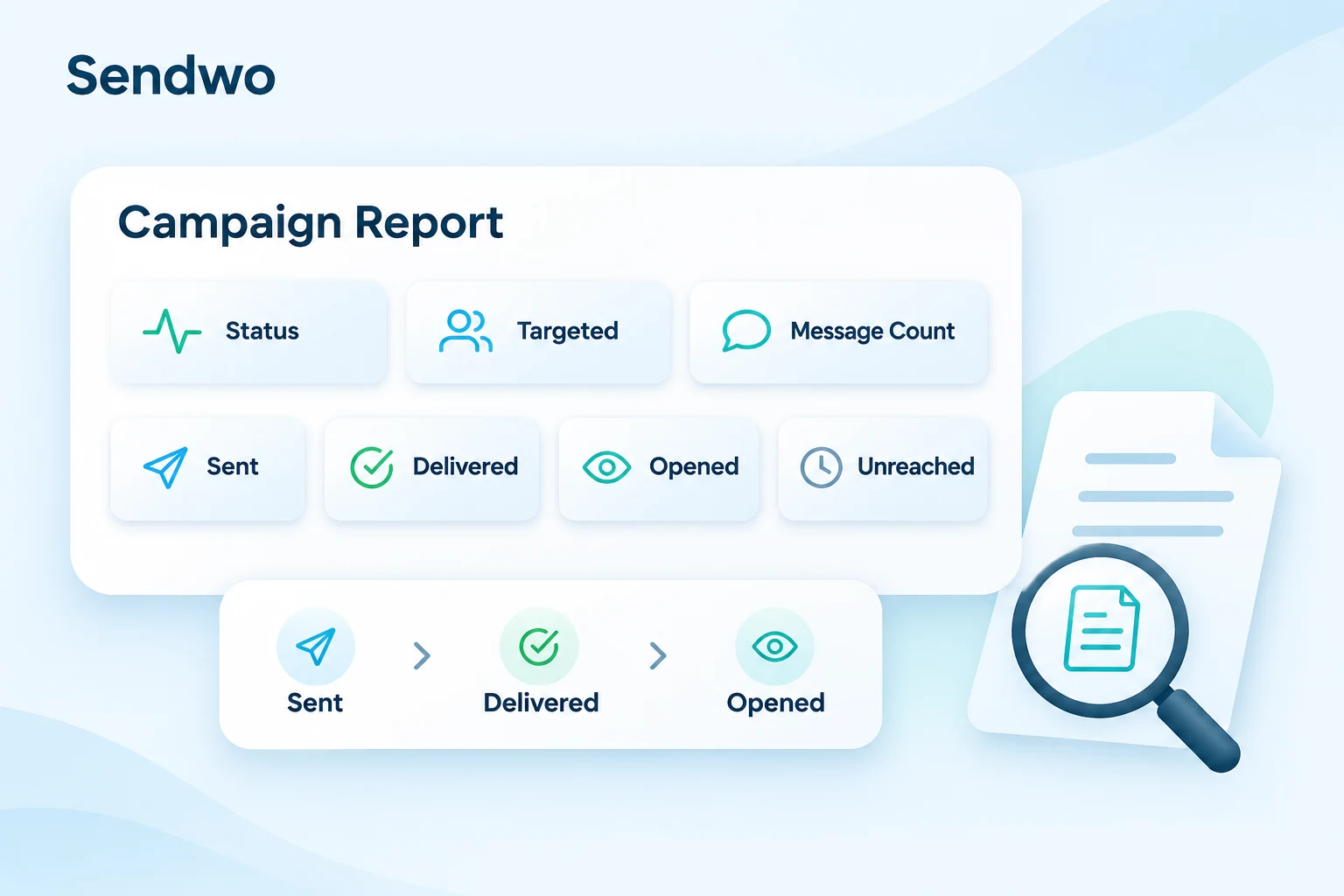
Open a campaign. See who was targeted, what was sent, and the delivery and open signals available for that channel. Turn your WhatsApp broadcast reports into clearer targeting and better follow-up.
Start with Sendwo’s free plan. Feature access depends on your plan. Applicable WhatsApp messaging charges are paid separately to Meta.
Brands that have used Sendwo






From report to action
Go beyond a sent count. Understand campaign delivery, review the audience you selected, and give your team useful follow-up context.
See campaign status and delivery outcomes in the campaign itself, then inspect individual recipients when something needs attention.
Review results alongside labels, countries and custom fields to make the next campaign more relevant.
Use actual replies and collected details alongside engagement signals to decide who needs a conversation, reminder or reactivation message.
Inside each campaign
Choose the connected account, then search by campaign name or filter by campaign status.
Use the view icon beside that campaign to see its reporting dashboard.
Check the summary and available recipient records to understand what happened.
Download the WhatsApp report where available, review exceptions, and plan your follow-up.
Recipient-level visibility
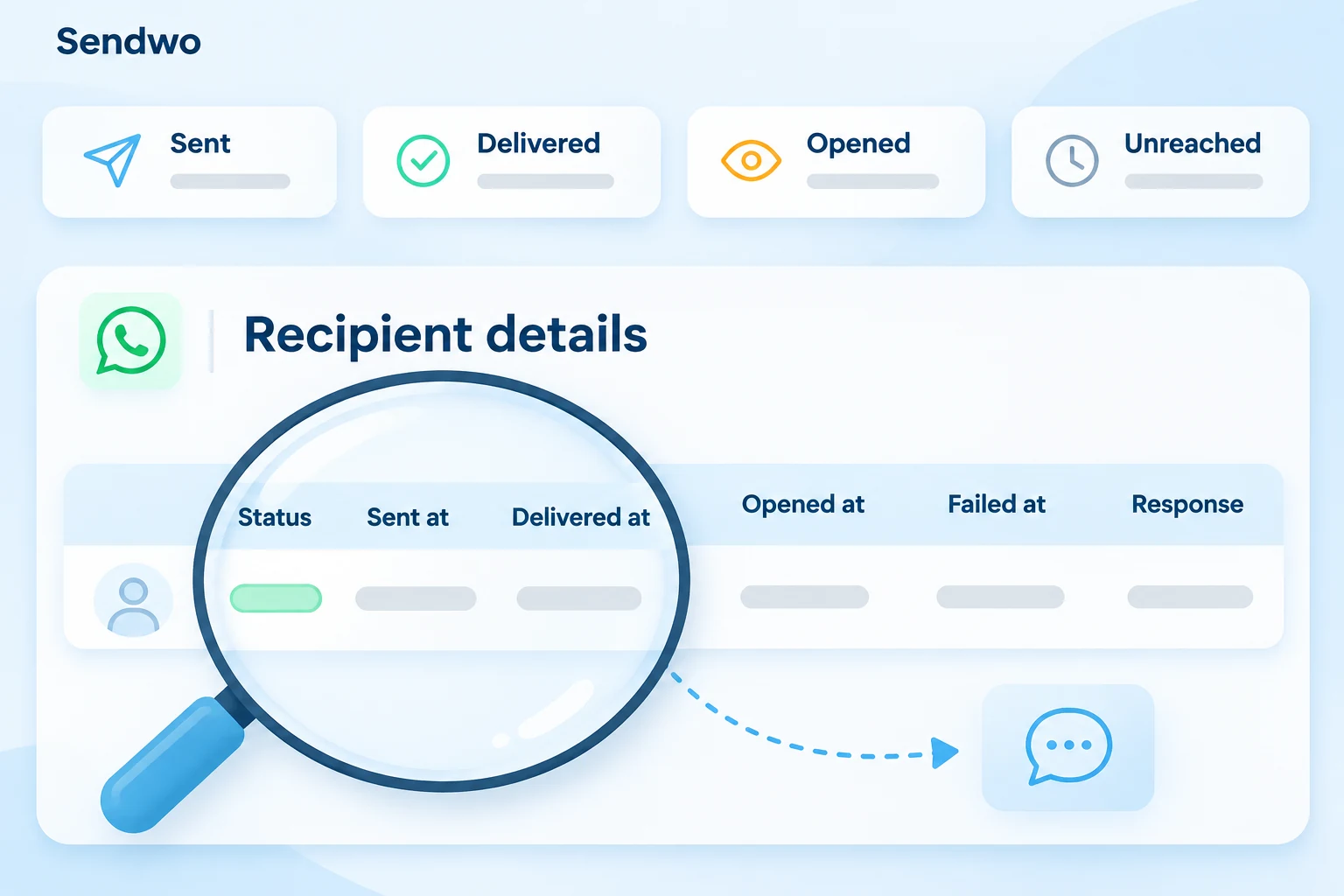
Move from the WhatsApp campaign summary to the recipient records. Check the available delivery timestamps and response details before deciding what needs attention.
Keep customer replies in context with your shared team inbox. An open is an attention signal; use replies and captured information to understand customer interest.
Multichannel reporting
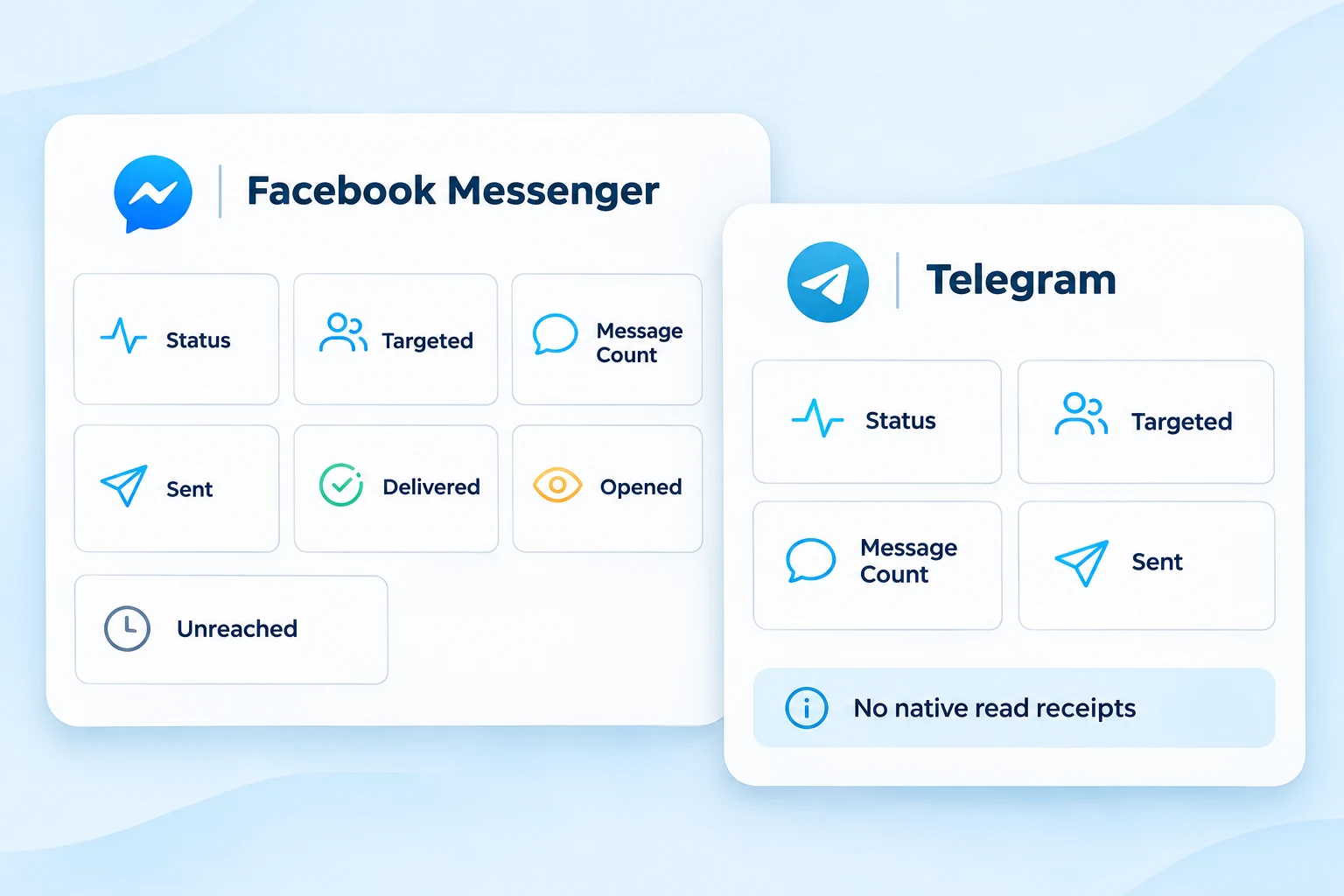
Campaign reports reflect the information each messaging platform provides. Keep those differences visible when you review results across WhatsApp, Facebook Messenger and Telegram.
That gives your team a more useful picture of campaign progress without treating every channel as if it reports the same events.
Review targeted recipients, message count, sent, delivered, opened and unreached totals, plus available recipient-level details.
Open the campaign report for status and available sent, delivered, opened and unreached outcomes, with recipient status and response details.
Review status, targeted audience, message count and sent results. Telegram does not provide native read receipts for these broadcasts.
Need Instagram reporting? Ask our team to confirm the reports available for your connected account and campaign type.
Input-flow reporting
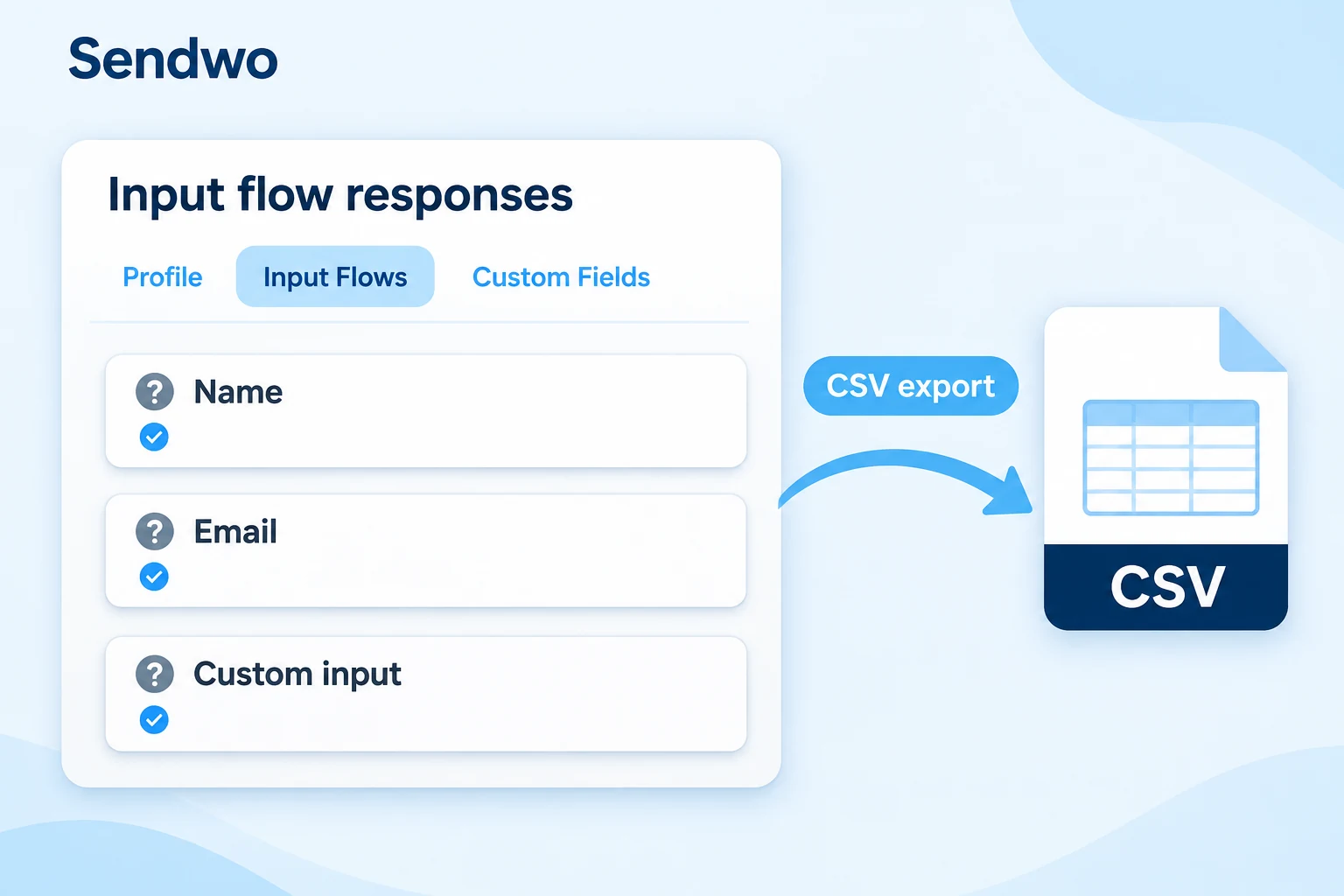
Review the information customers submit through a conversational Input Flow. Open the flow’s subscriber records, choose a subscriber, and view their submitted answers under Input Flows.
Input-flow exports are separate from broadcast delivery reports. Only saved interactions appear in the collected data; an export does not measure abandoned flows.
Your reporting toolkit
Campaign signals, audience choices and connected workflows help your team understand what to improve.
Use the report signals to understand reach, delivery and follow-up readiness. Review opens alongside actual replies before identifying warm contacts.
Use the campaign or workflow report relevant to your setup. Review audience filters alongside outcomes; available fields depend on the workflow, channel and integration.
Use the connected Sendwo tools to act on what you learn. Configure your follow-up and routing rules separately from viewing the analytics report.
Make reports useful
Use the same campaign context across marketing, ecommerce, sales and support.
Compare campaign outcomes across different audiences, templates, offers, and broadcast timings.
Identify weak or failed contact groups and improve future targeting using labels and custom fields.
Track cart reminders, order notifications, checkout messages, and follow-up opportunities.
Move interested users into drip campaigns after open, reply, form submission, or campaign engagement.
Give clients clear visibility into WhatsApp campaign performance without complex dashboards.
Route campaign replies to agents and use labels, notes, and AI Assistant for better conversation handling.
Choose follow-ups based on the signals your campaign actually records. Reporting does not automatically create a drip campaign or prove a purchase.
Customer stories
Explore the customer conversations and day-to-day workflows behind these businesses.

Customer communications, promotions and follow-ups.
 Dilbagh Singh
Resort inquiries, booking questions and chatbot-assisted responses.
 Mr. Philip Mensah, CEO
Click-to-WhatsApp advertising, lead qualification and customer conversations.
 Ingo Lederer
Education communications, class reminders and student updates.
 Daren Hunt
Questions, answered