
Kirana stores and food shops
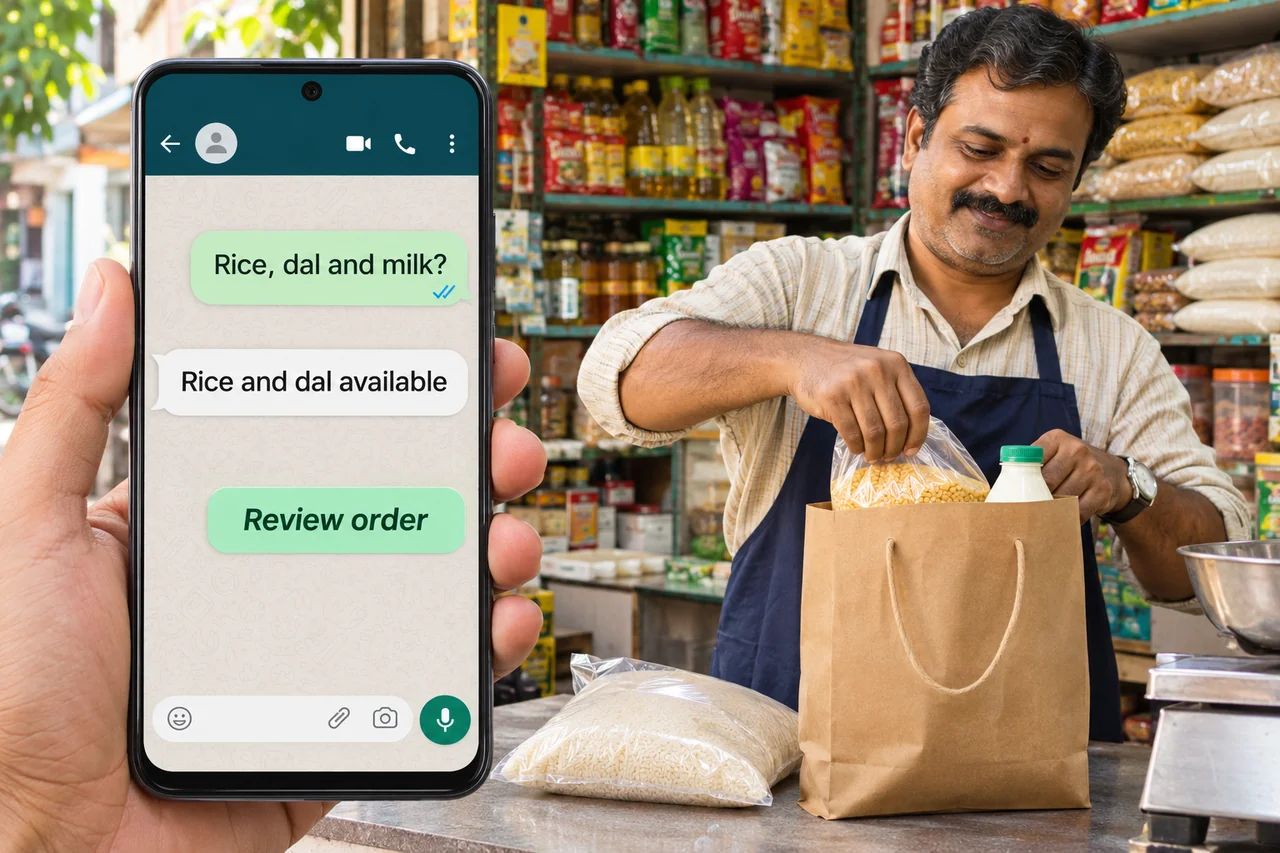
Take a ration list, confirm what’s available, and send the order to staff for pickup or home delivery.
Sendwo for local businesses
Send receipts on WhatsApp, give shoppers a way to order from home, and bring regulars back with offers they’ve asked to receive. Your staff can handle the replies together while a chatbot answers routine questions.
Applicable WhatsApp messaging charges are billed separately by Meta.

 Franchise outlets

















































01 / At the billing counter
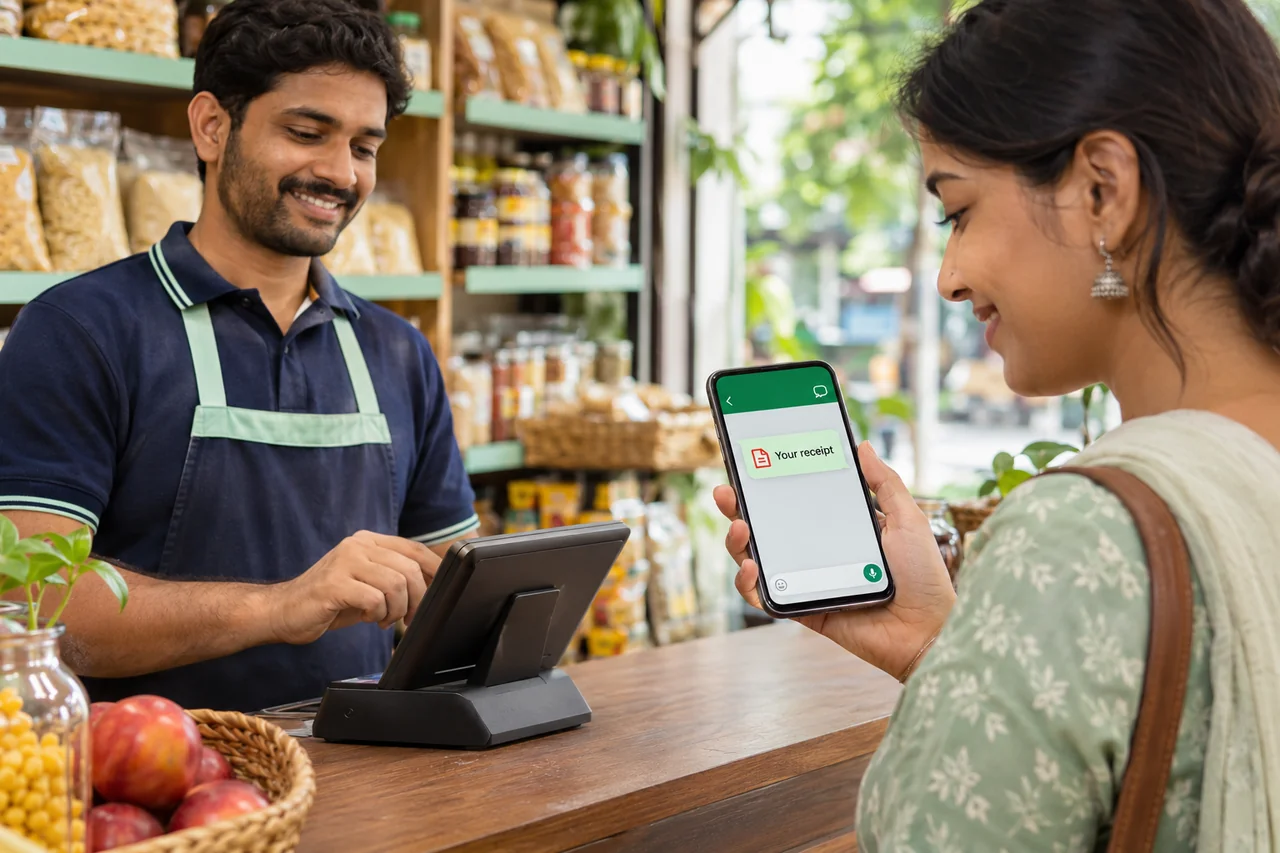
Offer a WhatsApp receipt at checkout and collect the number with the customer’s permission. If your billing software or CRM can send checkout events, connect it to Sendwo through an API or webhook. Map the number, branch, and receipt details so a completed sale can update the contact and send the invoice link or document through your configured workflow.
Ask separately if they’d like offers or new-arrival alerts. Capture that choice at checkout, through a QR code, or during a customer-initiated chat. Use it to build your WhatsApp subscriber list and keep receipt recipients separate from the people who opted in to promotions.
02 / Orders on WhatsApp
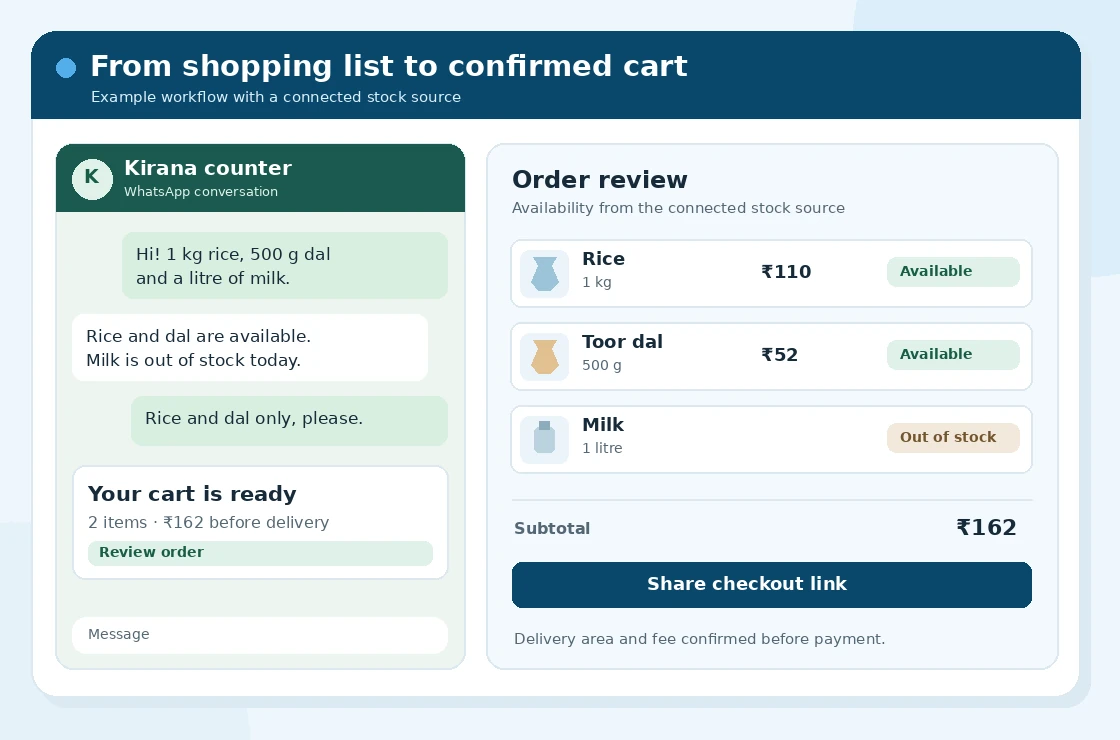
A shopper can message “Hi,” browse your WhatsApp catalog, and add items to a cart. They can also type their list. With a connected product and stock source, configure an AI workflow to match the items it can verify, flag what’s unavailable, and ask the shopper to confirm quantities or substitutions.
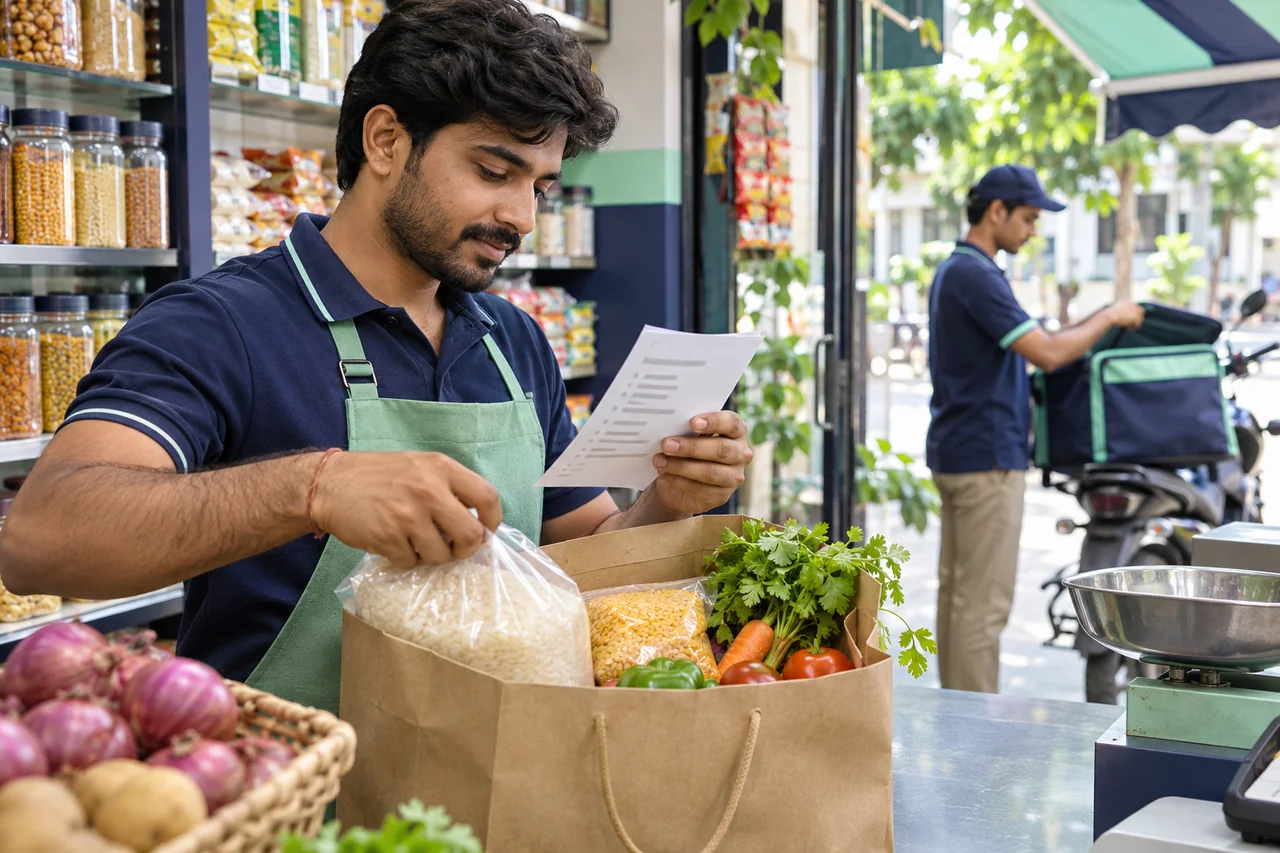
With your cart or order integration configured, use those confirmed items to build an order. Show the customer the summary before payment, then offer a supported checkout or payment link, or cash on delivery if your store accepts it. Confirm the delivery area and send the order to your team for packing and dispatch.
03 / After hours and busy shifts
Set up a basic chatbot for hours, directions, prices, bookings, and delivery areas. Add AI for routine questions or to interpret shopping lists at any hour. Give it approved product information and tell it when to ask for help, especially if it can’t verify stock or pricing.
In the shared inbox, your team can assign a chat, add a note, and see what’s already been promised. The person packing an order can pick up from the cashier, and the owner can step in for exceptions.
04 / Neighbourhood promotions
Segment opted-in contacts by branch, neighbourhood, postcode, service, product interest, purchase history, or repeat-buyer status, using the data you collect. If you serve only the streets around your store or deliver up to 50 km, build the audience from the locations you can fulfil.
Use WhatsApp broadcasts for festive greetings, weekend offers, flash deals, restocks, and new arrivals. Give customers one clear way to act: reply to reserve, place an order, or visit the store. Follow up with relevant loyalty offers, service reminders, reorder prompts, or review requests.
Built around how you sell
Pick the moment that costs you the most time or repeat sales. Add the next workflow after the first one is working.
Take a ration list, confirm what’s available, and send the order to staff for pickup or home delivery.
Send digital invoices and share new arrivals, branch offers, and festival promotions with customers who opted in.
Answer service questions, take bookings, send pickup or completion updates, and remind customers when a service is due again.
Start on the free plan. Dedicated support on paid plans can guide you through setup, automation, and troubleshooting.

Shares promotions and customer updates, and follows up with customers.
 Dilbagh Singh

Handles resort inquiries and booking questions with chatbot-assisted replies.
 Philip Mensah, CEO

Uses click-to-WhatsApp ads to start conversations and qualify leads.
 Ingo Lederer

Keeps students informed with class reminders and education updates.
 Daren Hunt
Local business FAQs
Compare plans for your shop and check how WhatsApp messaging charges are billed.
Yes, when your billing system can share the right data through a supported integration, API, or webhook. Configure the event that triggers the message and map the receipt link or document to the relevant WhatsApp template when required.
Ask shoppers if they want promotional messages and store their choice. Send campaigns to the people who opted in, use approved templates as required, and honour opt-outs.
Customers can browse your catalog and add products to a cart, or send a list. Configure stock lookup, list matching, and cart or order creation for your setup. Native checkout availability depends on your market and provider. You can also share supported payment links or offer cash on delivery.
Yes. Build a segment using the branch, postcode, neighbourhood, or delivery-area data you’ve collected. Use that segment when choosing recipients.
Give staff access to the shared inbox, assign conversations, and use notes and labels to pass work between shifts.
It can answer configured questions and collect enquiries or order requests. Let customers know when staff will be available to confirm anything that needs a person.