
Dine-in restaurants
Collect the date, time, party size, and location. Send confirmations, reminders, and waitlist updates when staff or your connected system can verify them.
Sendwo for restaurants, cafés, and food brands
Share the menu, take pickup or delivery orders, and handle reservations from the chat guests already use. Send timely updates during service and give regulars a reason to come back.
Applicable WhatsApp messaging charges are billed separately by Meta.

 Franchise outlets















































Where it fits
A table request, a coffee pickup, and a delivery order need different answers. Give each one a clear path from the first message.
Collect the date, time, party size, and location. Send confirmations, reminders, and waitlist updates when staff or your connected system can verify them.
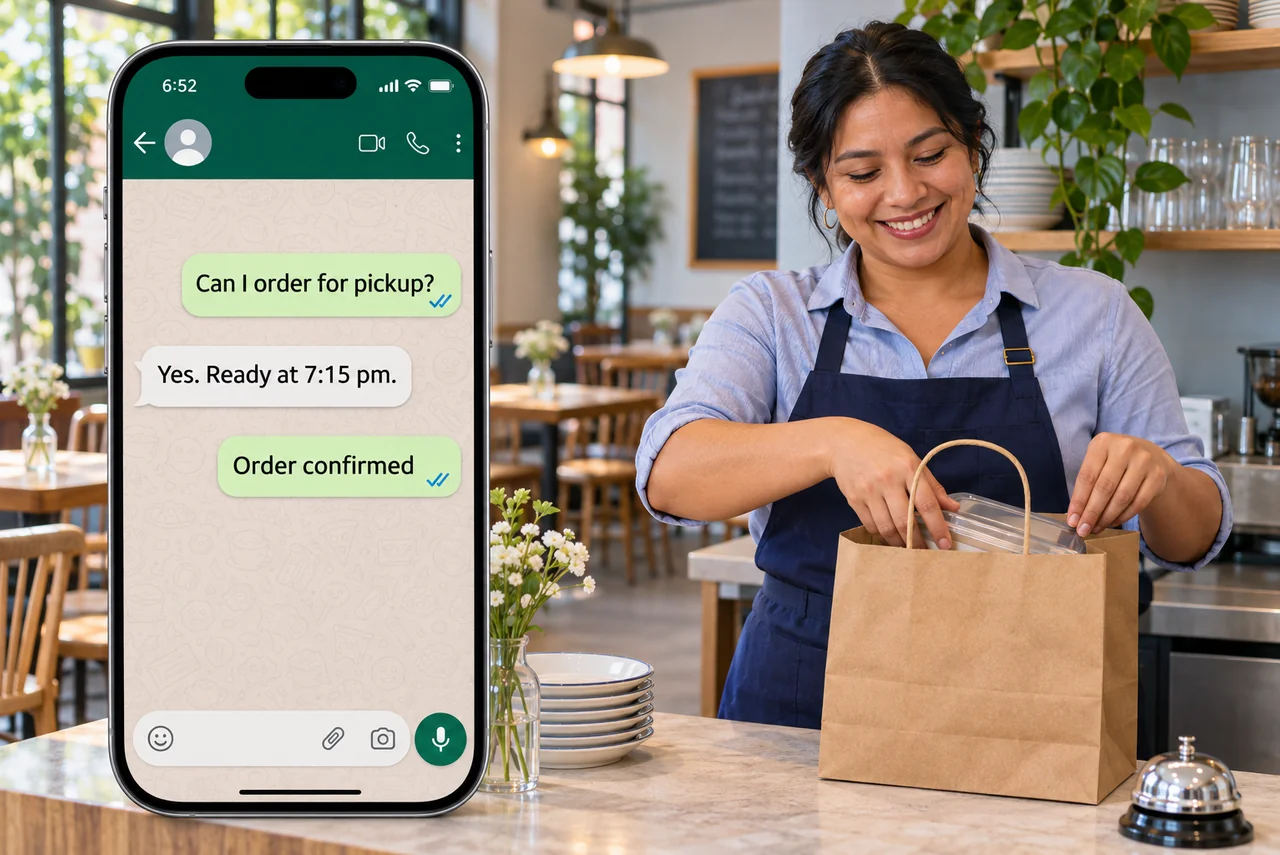
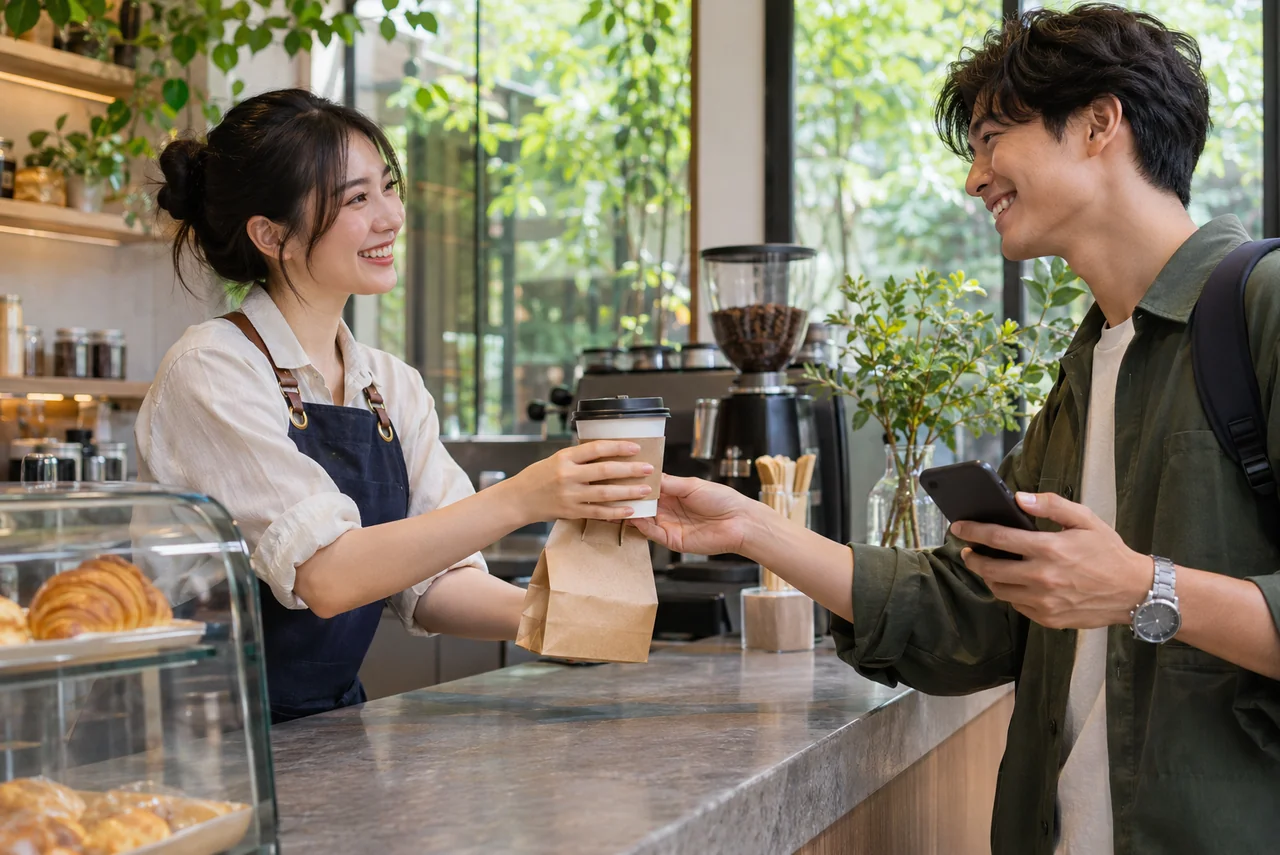
Share the day’s specials and what’s in stock. Take pre-orders for pickup and send a message when the order is ready.
Show the menu for the correct branch, check the delivery area, and pass confirmed orders to your team or connected ordering system.
Direct guests to the right branch and send relevant product launches, seasonal menus, or offers to opted-in customers.
01 / Menu and direct orders
Give guests a WhatsApp link on your website, social profile, takeaway packaging, or table QR code. A menu chatbot can share dishes, prices, hours, pickup times, and delivery areas using the information you configure. Route allergy or ingredient questions to staff when the answer needs confirmation.
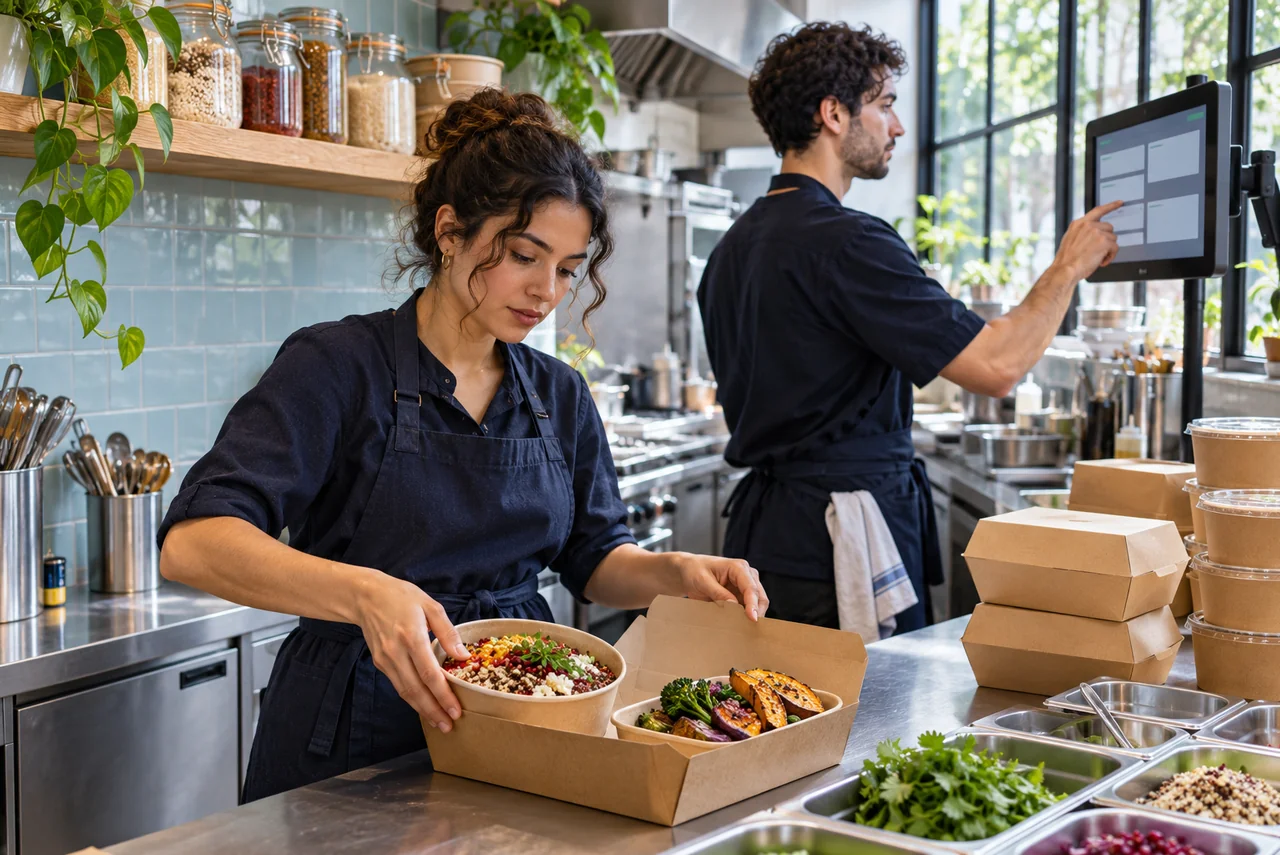
Share a WhatsApp catalog or your ordering link. Collect quantities, modifiers, and pickup or delivery details, then send the request to your staff or connected system. Confirm availability, total, and timing before you ask guests to pay. Checkout and payment options depend on your setup and market.
02 / Reservations and waitlists
Ask for the branch, date, time, and party size in a WhatsApp Flow or chatbot. Check your connected reservation system or let the host confirm the table. For a full service, offer another time or collect a waitlist request for staff to manage.
Send confirmations, directions, and reminders with a way to request a change. Keep special seating requests, cancellations, and large parties in the shared inbox so staff can pick up the conversation with its context.
03 / Service updates and team handoff
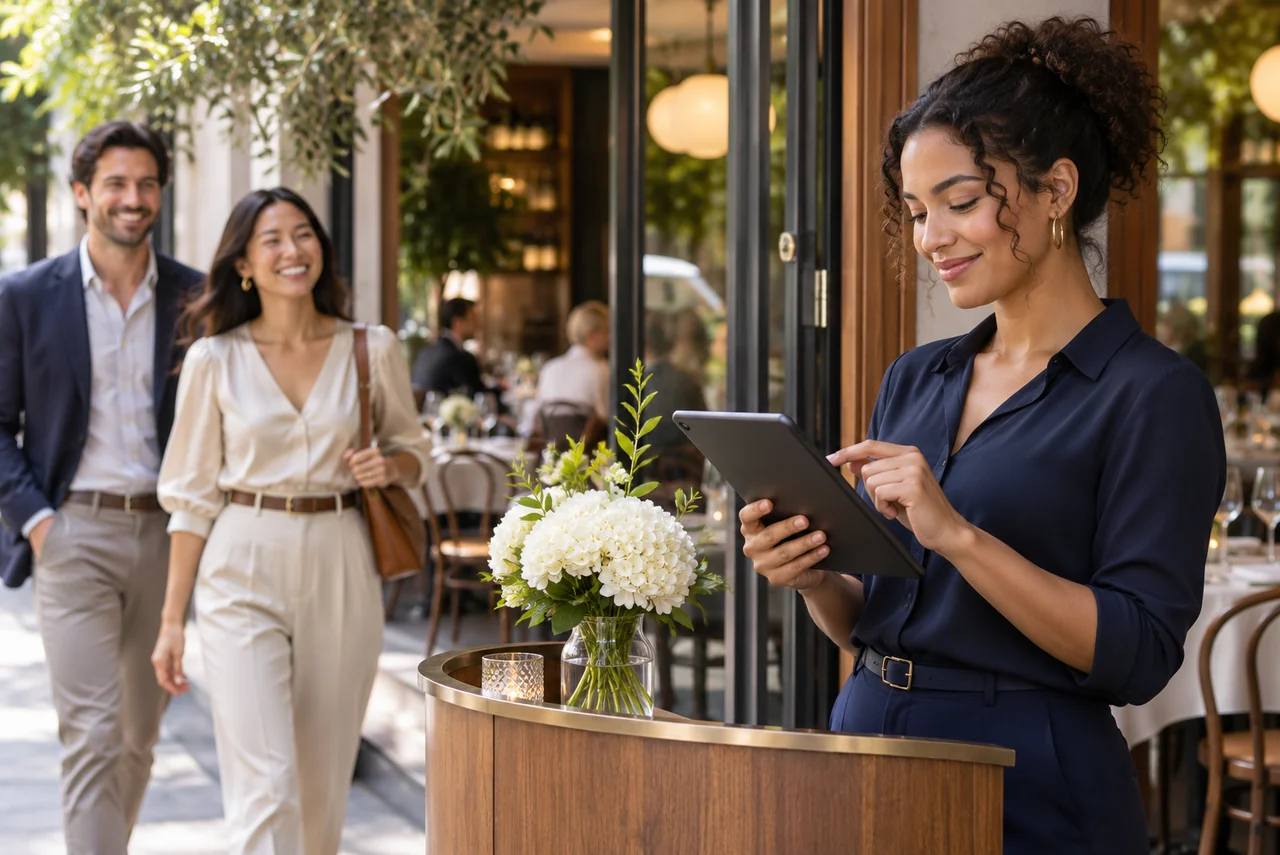
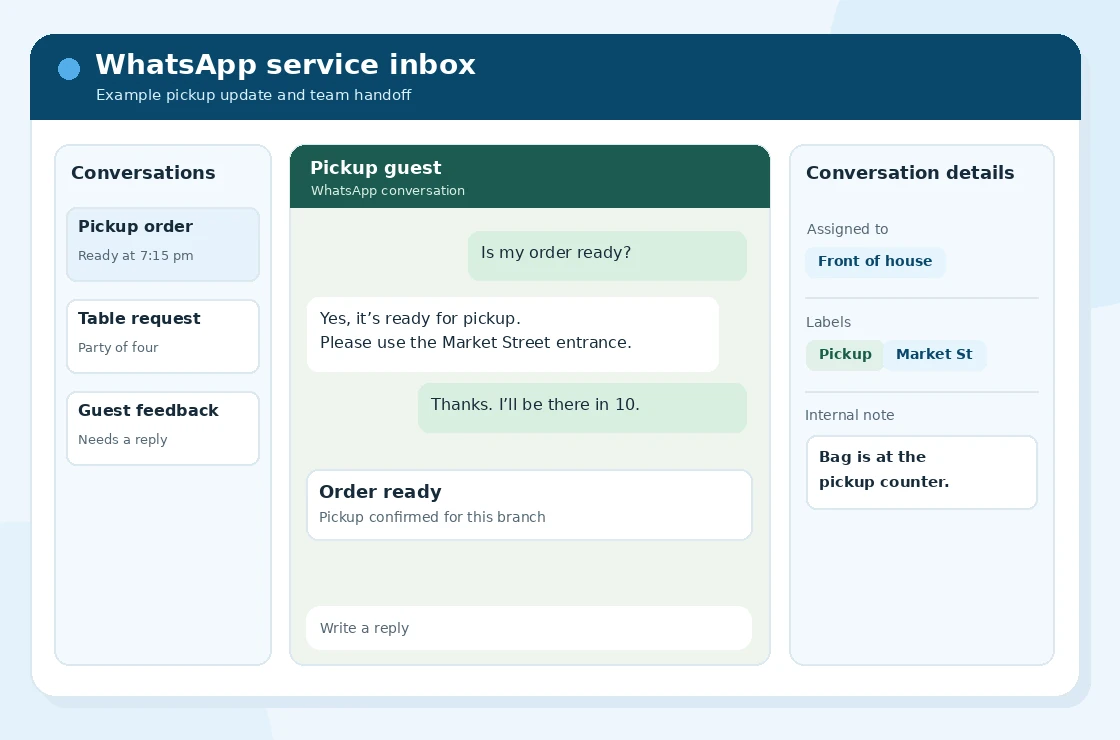
Connect available events from your ordering or delivery system to send order accepted, ready for pickup, out for delivery, or delayed updates. If your system doesn’t provide an event, give staff a saved reply so they can send the update when it’s confirmed.
Use rule-based or AI replies for routine menu, hours, and location questions. Assign changes, complaints, missing items, and refund requests to the right teammate. The shared inbox keeps notes and replies together across shifts and supported channels.
04 / Offers, feedback, and repeat visits
Use labels and connected order data to group opted-in guests by branch, order history, cuisine or menu interest, repeat purchases, or time since their last order. Send a lunch offer to nearby regulars, a new seasonal menu to interested guests, or a relevant reorder prompt to past delivery customers.
After service, ask for honest feedback and route issues to a manager. Send loyalty updates, birthday offers, or win-back campaigns when they fit the audience. Keep promotional preferences separate from service notifications and honour opt-outs.
Implementation and measurement
Pick the workflow that creates the most friction during service. Run it on one menu, at one location, or for one opted-in group before you expand it.
Start with your menu and service details. Add the ordering, reservation, or payment tools you need using supported integrations, APIs, or webhooks.
Define what the chatbot can answer, when a human takes over, and who confirms each order or reservation.
Track confirmed orders per eligible enquiry, reservation attendance, and repeat orders in your booking or order records. Compare similar periods and locations alongside your WhatsApp campaign activity.

Shares promotions and customer updates, and follows up with customers.
 Dilbagh Singh

Handles resort inquiries and booking questions with chatbot-assisted replies.
 Philip Mensah, CEO

Uses click-to-WhatsApp ads to start conversations and qualify leads.
 Ingo Lederer

Keeps students informed with class reminders and education updates.
 Daren Hunt
Restaurant and food business FAQs
Check Sendwo plans and applicable WhatsApp messaging charges before rolling it out to your locations.
Share your menu or catalog, collect the items and fulfilment details, and send the order to staff or a connected order system. You can also share a link to your existing checkout. Payment and stock options depend on the integration and market.
Collect reservation details in a chatbot or Flow. Automate confirmation only when your connected booking workflow can verify availability. Otherwise, have the host confirm the request.
Trigger a WhatsApp message from an available order status event in your connected system, or let staff send the update in the shared inbox. Use the appropriate approved template when required.
Use the preferences and order data you collect to build segments by branch, menu interest, repeat orders, or inactivity. Send promotional campaigns to the contacts who opted in.
Configure your connected channels, labels, and assignments so staff can route enquiries to the right location. Decide which team confirms orders or table requests for each branch.
Use approved menu information for routine questions and configure a staff handoff. Have your team verify allergen or ingredient details and exceptions before a guest relies on the answer.
Yes. Send a short feedback request after a completed visit or order, then route replies to the right team. Follow Meta’s messaging requirements and honour opt-outs.