
Telegram bot connection
Create a Telegram bot with BotFather and connect it to Sendwo.
Build Telegram bot flows, send subscriber updates, manage group activity and handle questions with AI-assisted responses. Keep group moderation and one-to-one support connected to practical workflows.











Create and manage bots, broadcast to reachable subscribers, and run group administration without starting from a custom integration.
Create a Telegram bot with BotFather and connect it to Sendwo.
Build menus, welcome journeys and automated responses.
Manage connected groups using supported administration and filtering tools.
Schedule messages and send targeted updates to subscribers who started your bot.
Answer recurring questions and route complex requests to people.
Organize subscribers and conversations to keep communications relevant.
Telegram bots provide the entry point for automated chat flows. Create the bot in Telegram, connect its token securely and configure how the assistant responds to different enquiries.
Add your bot to a Telegram group and give it the necessary administrative permissions. Configure welcome messages, keyword monitoring and the permitted filtering and moderation rules for that group.
Telegram bot subscribers can be organized into lists and segments for relevant announcements. Your bot cannot freely contact arbitrary Telegram users who have never initiated interaction.
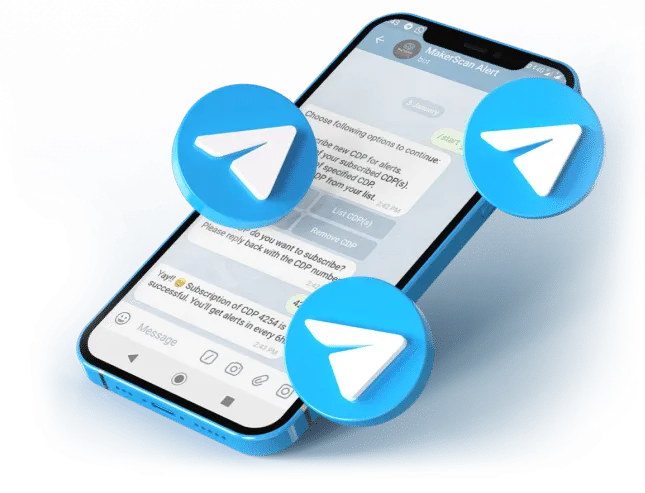
Prepare rich messages, choose an appropriate subscriber audience and schedule publication. Campaigns can include content and interactive options supported by Telegram and Sendwo.
Use bot flows for predictable enquiries while a human team member handles sensitive cases, follow-up questions or sales opportunities through available chat tools.

Use /newbot to create a bot and obtain its access token.
Add the bot through the dashboard, keeping the token confidential.
Build replies, group permissions and broadcasts, then verify with test users.
Welcome new members and moderate disruptive messages.
Send lessons, session reminders and links to enrolled bot subscribers.
Share product announcements and answer customer enquiries.
Maintain separate bots and workflows for different client needs.
Share release announcements and answer onboarding questions.
Organize subscriber updates and ongoing support conversations.
Use the relevant product pages to see how automation, messaging and connected systems fit together.

Customer communications, promotions and follow-up messages.
 Dilbagh Singh

Resort enquiries, booking questions and chatbot-assisted responses.
 Mr. Philip Mensah, CEO

Click-to-WhatsApp advertising, lead qualification and customer conversations.
 Ingo Lederer

Education communications, class reminders and student updates.
 Daren Hunt
Yes. Create the bot through Telegram’s BotFather and connect the token in Sendwo.
Yes, where the relevant group-management feature is enabled. Add the bot as an administrator and grant the permissions necessary for the selected moderation actions.
No. A bot generally needs the user to initiate interaction before direct messages can be sent. Telegram also applies rate limits.
Yes. Set up eligible subscriber or group messages with date, time and timezone settings.
Supported live chat workflows allow agents to participate when automated replies are not sufficient.