
Hair salons and barbers
Collect the service, branch, and stylist preference. Remind clients when it’s time for their next trim or colour touch-up.
Sendwo for salons, spas, and wellness
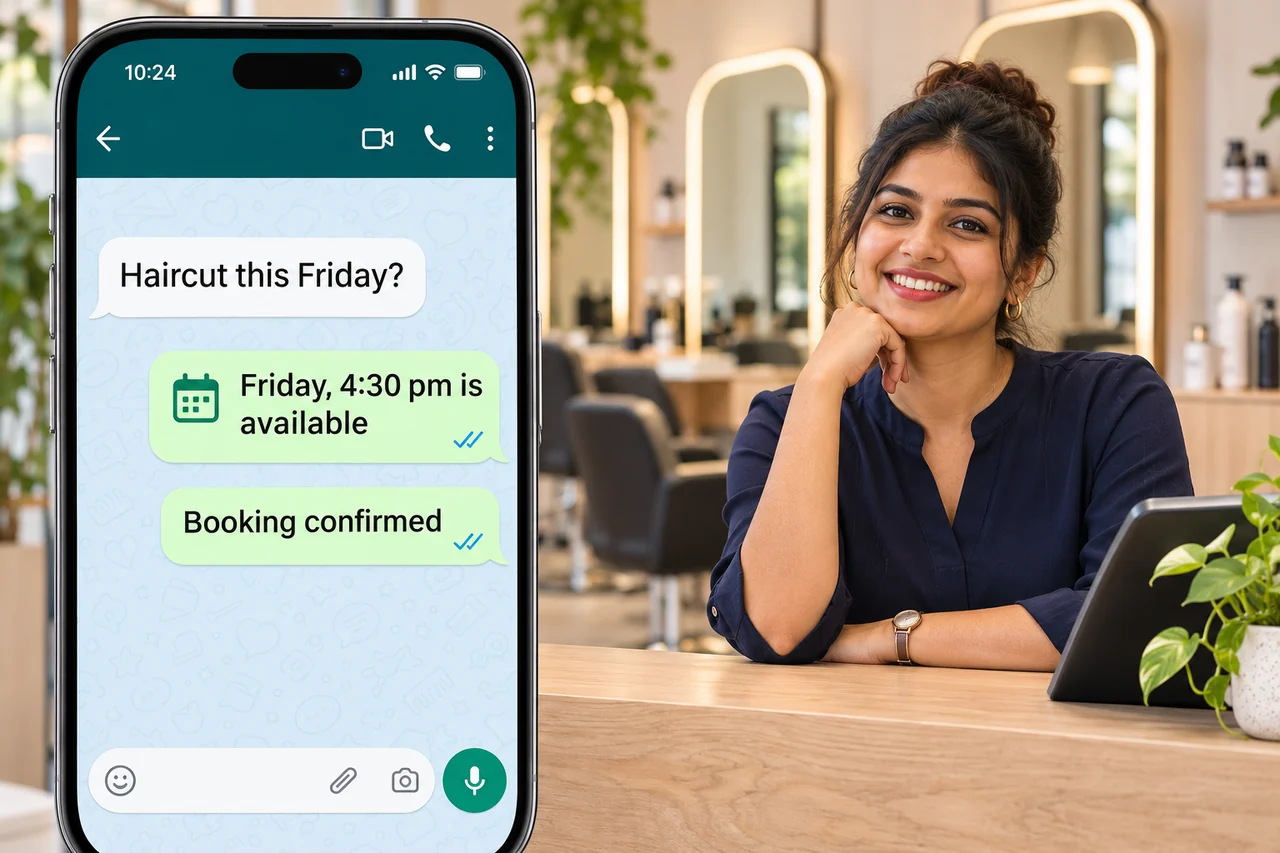
Give clients a way to choose a service, book an available time, and get a reminder without calling reception. When the visit is over, follow up with the right offer or a reason to book again.
Applicable WhatsApp messaging charges are billed separately by Meta.

 Franchise outlets

















































Who it’s for
Collect the service, branch, and stylist preference. Remind clients when it’s time for their next trim or colour touch-up.
Answer questions about packages and session length. Confirm the booking, location, and arrival instructions.
Book a trial or a follow-up session, send membership updates, and give staff a way to handle booking changes.
Route consultation enquiries to the right team, confirm appointments, and keep service and scheduling questions in one place.
01 / Booking and reminders
Let clients start from your website, Instagram, a Click-to-WhatsApp ad, a Google Business Profile link, a QR code, or a referral. A chatbot or WhatsApp Flow can collect the service, branch, preferred date, and stylist or therapist.
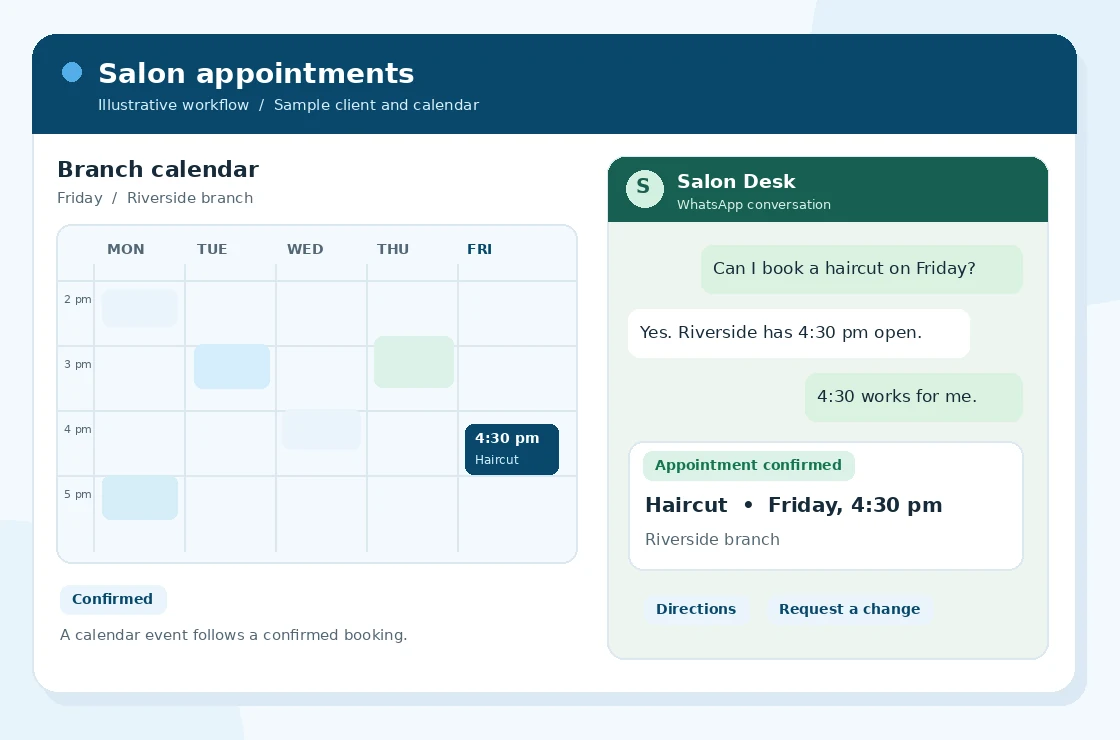
Use a connected Google Calendar to offer available times, or have reception confirm the request. Send the date, branch directions, and a reminder with a way to request a change. That gives staff time to update the booking and offer a newly available slot to another client.
02 / Reception and branch teams
Configure a chatbot or AI agent to answer approved questions about services, prices, opening hours, packages, and branch locations. If a client wants a particular stylist or needs to move a booking, give reception the prior messages and a clear next step.
Manage connected WhatsApp, Instagram, Facebook Messenger, Telegram, and Web Chat conversations from the shared inbox. Assign a teammate, add an internal note, and set a follow-up so the next shift can see who is handling the request.

03 / Repeat visits and memberships
After a visit, ask for honest feedback or share approved aftercare information. Use labels and the customer data you collect to group clients by service, branch, visit history, package interest, or time since their last visit.
Send a trim or refill reminder, a membership renewal, or a win-back offer when it makes sense. Use broadcasts for birthday offers, seasonal specials, and packages with opted-in audiences, and make it easy to reply or rebook.

What to measure
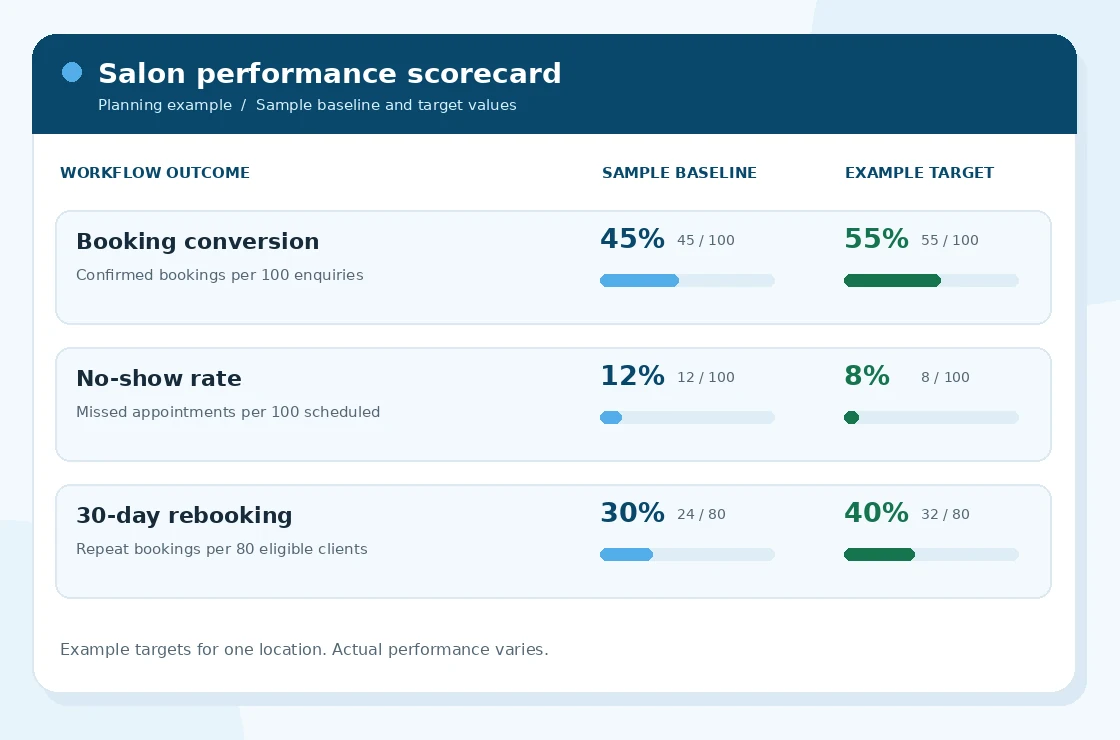
Start with one branch and set a baseline before changing the workflow. Compare similar weeks by service and branch. Use your booking system or a connected sheet to count completed outcomes, alongside Sendwo message and reply data.
The scorecard uses sample baselines and example targets for planning. Actual results depend on your business, offer, and follow-up process.

Shares promotions and customer updates, and follows up with customers.
 Dilbagh Singh

Handles resort inquiries and booking questions with chatbot-assisted replies.
 Philip Mensah, CEO

Uses click-to-WhatsApp ads to start conversations and qualify leads.
 Ingo Lederer

Keeps students informed with class reminders and education updates.
 Daren Hunt
Salon and wellness FAQs
Compare Sendwo plans and review applicable WhatsApp messaging charges before rollout.
Yes. Collect those preferences in your booking flow. Offer times from a configured calendar where available, or have reception confirm the request.
Yes. Configure a booking confirmation and reminder, then include the location, time, and how to request a change. Use the appropriate approved template when required.
Track missed visits in your booking system or sheet and compare the rate for similar periods. Keep cancellations and reschedules distinct from no-shows.
Yes. Use labels and customer preferences to build relevant audiences. Use the appropriate WhatsApp templates, follow Meta’s consent rules, and honor opt-outs.
Set up your connected channels and use labels, team assignments, and access controls to organize conversations by branch.
Configure approved service information and prices. Give clients a way to reach staff for quotes, availability exceptions, or questions that require judgment.