
Your existing number
We check number access, account ownership and the migration route available for your current setup. Eligibility is confirmed before the move.
WhatsApp API migration
Move your existing WhatsApp API number with a clear migration plan. We review access, backups and workflows before the switch.
Software and applicable Meta messaging fees remain separate. Discovery-call requests open our WhatsApp inbox.
Before the move
Your phone number, business records and platform workflows need separate checks. We agree the scope before changing your setup.
We check number access, account ownership and the migration route available for your current setup. Eligibility is confirmed before the move.
Export contacts, opt-in records, template references and reports while you still have access to the current platform. Chat history may need separate handling.
Map Chatbot Builder flows, labels, sequences, team assignments and integrations. Identify what can be reused and what must be rebuilt in Sendwo.
Number migration does not mean that historical chats, campaign analytics or provider-specific automations will transfer automatically. Confirm exports and the handover scope before closing your old service.
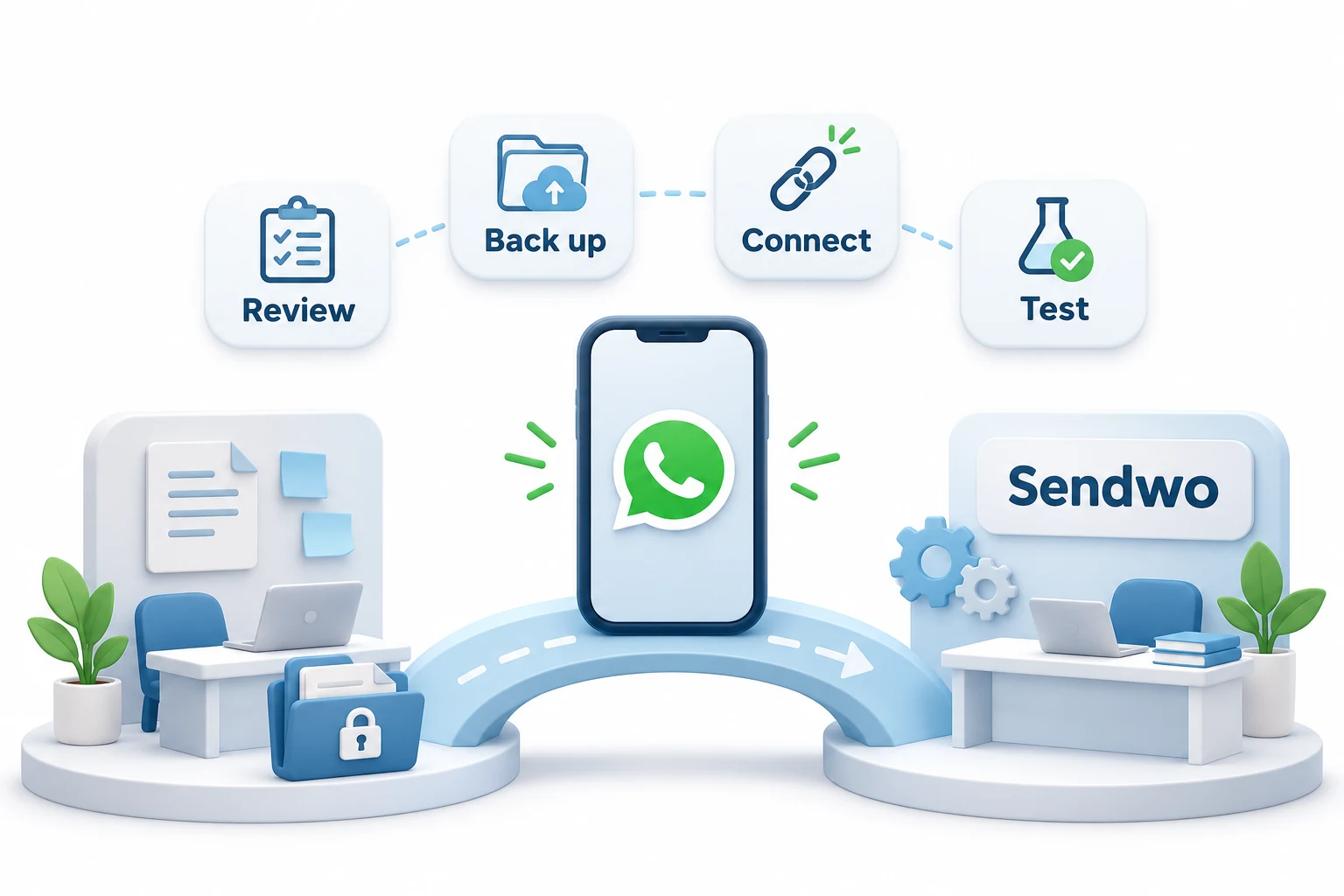
The migration process
Six steps, with the prerequisites checked before the handover and the working setup tested afterward.
Review your provider, WhatsApp API number, Meta Business access, message volume and the workflows your team relies on.
Check number verification access, WABA permissions, two-step verification requirements and payment setup for the selected migration route.
Document templates, contacts, opt-in records, reporting exports, chatbot logic and connected systems. Agree what needs rebuilding.
Confirm the supported route and a suitable cutover window. Complete the required account steps with the authorized business owner.
Set up templates, the Shared Team Inbox, team access, labels, Chatbot Builder journeys and integrations within the agreed scope.
Test incoming and outgoing messages, template use, webhooks and automation. Review the result with your team before resuming campaigns.
Timing depends on account access, provider cooperation and the work needed to rebuild your setup. We agree the migration window after reviewing those details.
Unplanned switch vs guided migration
Compare how access, backups, workflows and costs are handled before the handover.
| What needs planning | If left unplanned | Sendwo approach |
|---|---|---|
| Account access | Missing permissions or number access are discovered during the switch. | Review Meta Business access, ownership and verification requirements before scheduling. |
| Backups and history | Exports are left until access to the previous platform ends. | Identify required exports and the limits of history transfer before the handover. |
| Templates and workflows | Templates, triggers and integrations are assumed to work unchanged. | Review availability and map any recreation, configuration or re-approval work. |
| Go-live checks | Sending, receiving and automations are checked only after campaigns restart. | Test the agreed messaging and automation paths before your team resumes campaigns. |
| Costs and support | Switching fees, software costs and message charges are not clearly separated. | No separate Sendwo migration fee. Confirm software, Meta usage and support scope in advance. |
Prepare for the conversation
You do not need to have every answer before contacting us. Bring the details you have, and our team will help identify the gaps.
This is preparation guidance. Your actual migration route and readiness are confirmed in the account review.
Request migration help
Use our Contact Us page to tell the team you want to migrate an existing WhatsApp API number. Mention your current provider, your intended timeline and the workflows that matter most.
Prefer a discovery call? Arrange it on WhatsApp. Our team will coordinate the next step from the inbox.
Customer stories

Customer communications, promotions and follow-ups.
 Dilbagh Singh

Resort inquiries, booking questions and chatbot-assisted responses.
 Mr. Philip Mensah, CEO

Click-to-WhatsApp advertising, lead qualification and customer conversations.
 Ingo Lederer

Education communications, class reminders and student updates.
 Daren Hunt
Questions, answered
The goal is to migrate your existing number rather than ask customers to save a new one. The available route depends on your number and account setup. We confirm eligibility, ownership and required account actions before scheduling the move.
Sendwo does not charge a separate migration fee. Your selected software subscription and applicable Meta messaging fees remain separate. We confirm the scope of setup, rebuilding and support before the handover. View current Sendwo pricing.
Do not assume that they will. Number migration and historical platform data are different parts of the move. Export the records you need from the source platform, and confirm what can be retained, imported or referenced in the agreed migration route.
We review template availability and the workflows attached to your current platform. Depending on the route, templates may need review, recreation or re-approval. Provider-specific automations and integrations may need rebuilding and testing in Sendwo.
Have the authorized Meta Business administrator and the phone-number owner available. We review WABA permissions, phone verification and two-step verification requirements for your chosen route, then guide the relevant owner through the required steps.
The schedule depends on the source setup, account readiness, provider response and the work needed to configure your new workspace. We agree a migration window and testing plan after the review. Continuous availability or a fixed completion time is not guaranteed.
Open our Contact Us page and use the available email, WhatsApp or ticket options. Website live chat is another route when available. The discovery-call button on this page opens WhatsApp at +91 83405 45138, where the team can coordinate a call.