How Enterprise Search Can Reduce Information Silos Across WhatsApp and Other Tools
Learn how enterprise search helps teams find knowledge across WhatsApp, email, Slack, Drive, CRM systems, and other workplace tools while protecting access controls.
 By Snehil Prakash
Published: September 8, 2026
10 min read
By Snehil Prakash
Published: September 8, 2026
10 min read
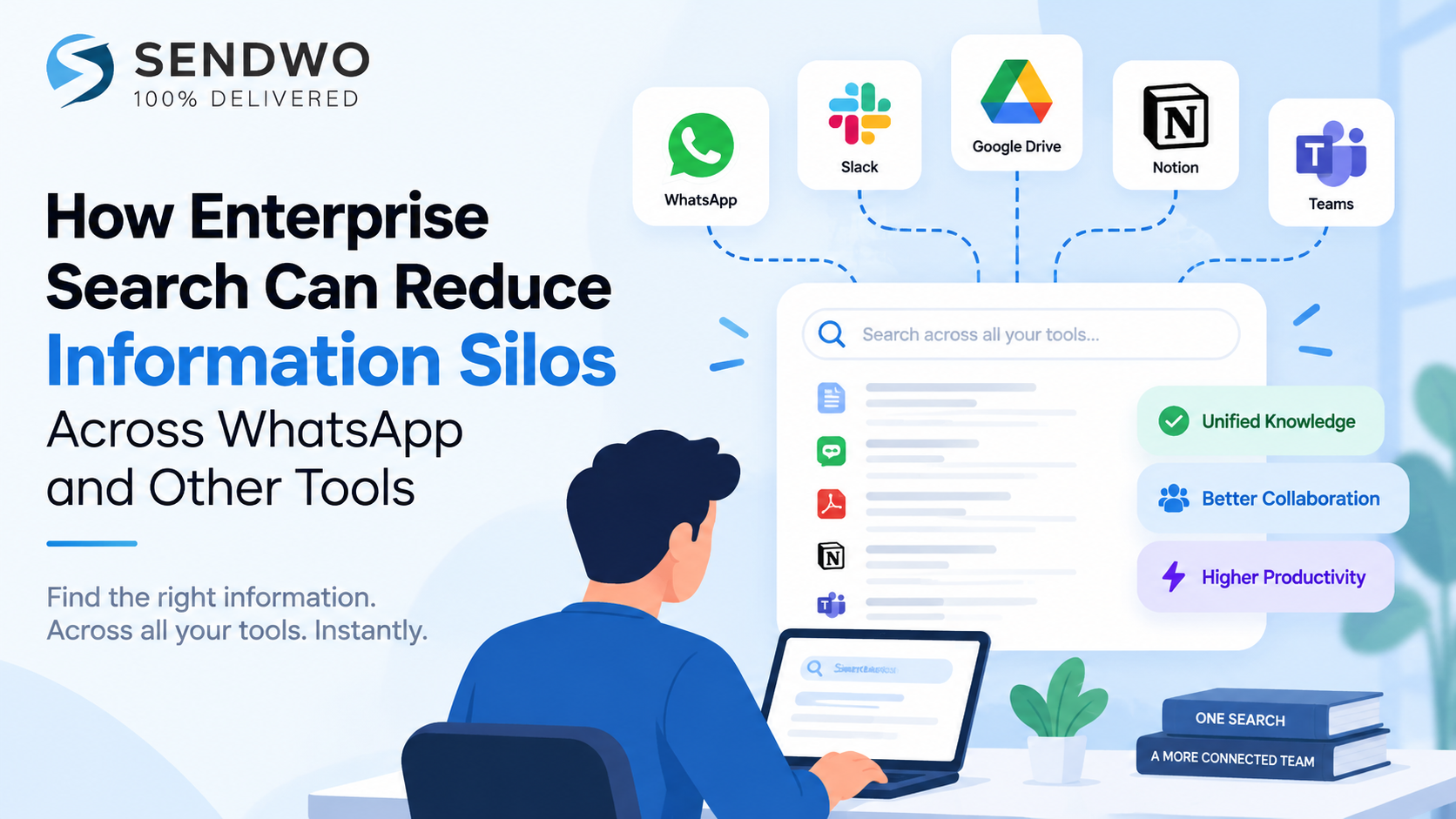
Learn how enterprise search helps teams find knowledge across WhatsApp, email, Slack, Drive, CRM systems, and other workplace tools while protecting access controls.
The approval is buried in a WhatsApp thread. The final presentation is in Google Drive. A customer update is sitting in Salesforce. Someone discussed the same issue in Slack yesterday.
Nothing is technically “lost.” The problem is that nobody knows where the current answer lives.
That problem gets worse as the software stack grows. Okta’s 2025 Businesses at Work research found that its average customer used 101 applications, while organizations with 2,000 or more employees averaged 247 apps. In that environment, adding another knowledge base rarely fixes the underlying issue. It can simply create one more place to search.
Enterprise search takes a different approach. Instead of asking employees to remember which system contains a piece of knowledge, it creates a searchable layer across authorized company information. Modern systems can connect documents, messages, tickets, CRM records, databases, intranets, and other repositories while applying the access permissions attached to that content.
For organizations where useful work conversations spill into WhatsApp and other messaging tools, however, there is an important catch: search can only find information that the organization can legitimately capture, index, and make available. That distinction matters.
Why information silos keep spreading
An information silo is often described as a database or system that does not exchange information effectively with related systems. In the workplace, the practical definition is simpler: useful knowledge exists, but the person who needs it cannot easily discover it.
Modern companies tend to develop several kinds of silos at once.
- Application silos: Information is divided between email, cloud storage, chat, CRM, ticketing, project management, and other applications.
- Context silos: The document is accessible, but the discussion explaining why a decision was made is buried in a conversation elsewhere.
- Access silos: Employees know that information exists but cannot determine whether they are permitted to access it or who owns it.
- Retention silos: Useful business conversations happen in channels that are not captured or retained as part of the company’s knowledge environment.
The second problem is easy to underestimate.
Imagine that a sales manager sends a revised pricing spreadsheet by email. A regional manager asks a question about it in WhatsApp. The answer is discussed there, and the final pricing decision appears later in Salesforce.
Searching the spreadsheet alone does not reconstruct the decision.
This is one reason leading enterprise-search products increasingly emphasize multi-source retrieval instead of better document search. IBM defines enterprise search around retrieving relevant information from disparate organizational sources. Elastic describes connectors, indexing, permissions, structured and unstructured content, semantic search, and unified retrieval as core parts of the architecture.
There is also a measurable cost to poor findability. McKinsey’s often-cited research found that knowledge-intensive workers spent roughly one-fifth of their work time searching for and gathering information. Its analysis also estimated that making internal social knowledge searchable could reduce information-search time substantially. The study is older, from 2012, so it should be treated as a historical benchmark rather than a measurement of every modern workplace. The underlying search problem has hardly disappeared as app counts have grown.
What enterprise search changes
Enterprise search does not have to move every document, conversation, and record into one giant repository.
That is one of its biggest advantages.
Instead, a search platform can connect to existing systems, ingest or index their authorized content, enrich that content with metadata, and provide a common retrieval experience. Employees get one place to begin a question even though the underlying information may remain in several systems.
Consider a query such as:
“What did we finally agree to offer the Acme account after the pricing review?”
Traditional search may require several attempts:
- Search email for “Acme.”
- Check Drive for the latest proposal.
- search Slack or Teams.
- Open Salesforce.
- Ask the account owner whether anything changed afterward.
A well-connected enterprise search system can retrieve relevant information across those sources in one search flow, provided the employee has access to them. AI-based systems can also use semantic retrieval to understand meaning beyond exact keyword matches and generate an answer grounded in retrieved company information.
This changes the economics of information silos.
The company may still have separate systems. Salesforce remains Salesforce. Drive remains Drive. Jira remains Jira. Search reduces the cost of those boundaries by giving employees a common discovery layer across them. Coveo, Elastic, Sinequa, IBM, and other enterprise-search providers describe connectors, unified retrieval, indexing, relevance, and permission handling as central to this model.
Modern AI adds another useful layer. Instead of returning twenty potentially relevant documents and leaving the employee to read each one, retrieval-augmented systems can synthesize an answer from retrieved material and point back to its sources. The quality of that answer still depends heavily on the quality, freshness, coverage, and permissions of the underlying retrieval system.
That is why companies evaluating an enterprise AI platform for connected workplace knowledge should look beyond the conversational interface and examine what the system can connect to, how quickly information is updated, and how existing access rules are handled. Glean, for example, says its enterprise AI connects with more than 100 business tools, including Google Workspace, Microsoft 365, Slack, Salesforce, Jira, and ServiceNow.
WhatsApp is the difficult edge case
WhatsApp deserves separate treatment because “search across workplace tools” can sound easier than it really is.
Personal WhatsApp messages and calls use end-to-end encryption. Meta states that the content remains between participants and cannot be read by WhatsApp or Meta. An enterprise-search platform therefore cannot simply crawl every employee’s private WhatsApp history in the same way that an authorized connector might index a company-managed repository.
There are really two different questions:
Can employees use WhatsApp to ask an enterprise AI system a question?
and
Can the enterprise AI system search historical WhatsApp conversations as a source of company knowledge?
Those are not the same technical capability.
The first uses WhatsApp as an interface. The employee sends a query, and a connected enterprise system retrieves information from approved company sources.
The second requires the business conversation itself to have been captured through an approved, technically supported, legally appropriate mechanism before enterprise search can retrieve it.
Turn this learning into your next WhatsApp campaign.
Start with Sendwo’s free plan, explore WhatsApp broadcasts, automation, AI chatbot flows, and upgrade only when your business needs more power.
This distinction matters most in organizations where employees use WhatsApp informally for customer conversations, approvals, field operations, vendor discussions, or internal coordination.
Enterprise search cannot repair a governance gap after the information has disappeared. If an important decision exists only on an unmanaged personal phone and was never captured by an approved business system, the search engine has nothing authorized to index.
The issue can also extend beyond productivity. In regulated financial services, the U.S. Securities and Exchange Commission has taken enforcement action over failures to preserve required off-channel electronic communications. SEC officials have specifically discussed smartphone chat applications such as WhatsApp in connection with the agency’s off-channel communications initiative.
That does not mean every business needs to archive every WhatsApp conversation. Legal and recordkeeping duties differ by jurisdiction, industry, message type, account type, and organizational policy. It does mean that companies should solve the capture and governance question before treating WhatsApp as another searchable knowledge repository.
A sensible architecture looks more like this:
approved communication channel → compliant capture or system of record → permission-aware index → enterprise search
That is much safer than treating enterprise search as a backdoor into personal communications.
How enterprise search works across other workplace tools
The mechanics become clearer when you look at what leading enterprise-search pages consistently emphasize.
First come connectors. A search service needs a reliable way to reach applications such as Microsoft 365, Google Workspace, Salesforce, Slack, Jira, ServiceNow, Confluence, databases, and document repositories. Connectors can crawl or synchronize content, while APIs can support systems that do not have an out-of-the-box integration.
Next comes indexing and enrichment. The system extracts searchable content and useful metadata, including titles, authors, timestamps, entities, document types, projects, and other context. Modern platforms increasingly add semantic representations so a user does not need to know the exact words used in the original document.
Then comes relevance.
Suppose an employee searches for “current parental leave rules.”
There might be dozens of matches:
- an outdated HR PDF,
- a new policy in SharePoint,
- an HR announcement in Slack,
- a manager’s old email,
- a benefits FAQ,
- a draft policy that was never approved.
A useful enterprise-search system has to do more than find the phrase “parental leave.” It needs signals that help determine which result is current, authoritative, relevant to the employee, and permitted for that person to view. IBM and Interact both identify permissions as a central enterprise-search requirement, while modern platforms also use relevance and personalization signals.
Finally comes answer generation, when AI is used.
The safest pattern is retrieval first, generation second. Relevant company sources are found, then an AI model uses those retrieved sources to produce an answer. Source visibility remains valuable because employees should be able to inspect the policy, ticket, document, or conversation behind an important answer.
In other words, the real product is not the search box.
It is the machinery behind the search box.
What a strong implementation looks like
The fastest way to disappoint employees is to launch enterprise search across everything at once and assume relevance will take care of itself.
Start with a problem people already complain about.
A practical rollout can follow this sequence:
- Map where business knowledge actually lives. Interview teams and identify documents, chat systems, email, ticketing platforms, CRMs, wikis, shared drives, and approved messaging channels. Do not limit the exercise to systems IT considers official.
- Separate systems of record from conversational context. A Salesforce opportunity may be authoritative for deal stage, while Slack or email may explain why the stage changed. Both can be useful, but they serve different purposes.
- Decide what can legitimately be indexed. Check ownership, privacy, retention, legal requirements, and access controls before connecting a source. This is particularly important for personal devices and off-channel messaging.
- Preserve source permissions. Search should not turn restricted information into broadly visible information. Enterprise-search systems commonly address this through permission-aware retrieval or access-control enforcement.
- Pilot high-friction questions. HR policies, technical troubleshooting, onboarding questions, customer history, product specifications, and project decisions are good candidates because employees already spend time hunting for them.
- Measure search quality, not installation. Connector count is useful, but employees care about whether they find a reliable answer.
Useful measurements include successful-search rate, zero-result queries, time to useful answer, repeated internal questions, source freshness, adoption, and the percentage of AI answers that can be traced to authoritative material. Search analytics can also expose missing content and areas where employees repeatedly fail to find what they need.
One metric deserves special attention: searches that end with a colleague being asked the same question anyway.
That usually points to one of three problems: the information is missing, employees do not trust the result, or the search system has surfaced the wrong source.
Fixing those failures can do more for knowledge sharing than simply indexing another million files.
Frequently asked questions
What is enterprise search?
Enterprise search is technology that lets employees find information stored across multiple internal company systems through a common search experience. Depending on the platform, those sources can include documents, messages, databases, CRMs, knowledge bases, tickets, intranets, and other repositories. Modern systems typically combine connectors, indexing, relevance ranking, semantic search, and permission controls.
How does enterprise search reduce information silos?
It makes knowledge stored in separate systems discoverable through a shared retrieval layer. Employees do not have to know which application contains the answer before starting their search. The original systems can remain separate, while the search layer connects their authorized information.
Can enterprise search search WhatsApp messages?
Potentially, but only when the relevant business communications can be captured through an authorized and supported mechanism. Consumer WhatsApp communications are end-to-end encrypted, so an enterprise-search platform cannot simply access private conversations outside the normal participant and data-access model. Organizations using WhatsApp for business should establish governance, retention, privacy, and integration requirements before assuming those conversations can become searchable enterprise knowledge.
What features matter most in enterprise search software?
Broad connector support is important, but it is only the beginning. Permission-aware retrieval, strong indexing, semantic relevance, freshness, natural-language querying, source visibility, administration, analytics, and support for custom applications all affect whether employees will actually trust and use the search experience.
Enterprise search works best when a company stops asking employees to memorize its information architecture.
People should be able to ask a normal question and find the best authorized answer, whether the supporting evidence originated in a document repository, CRM, ticket, email, or workplace conversation.
WhatsApp exposes the boundary of that promise particularly well. Search can connect fragmented knowledge, but only after the organization has made that knowledge available in a legitimate, governed, searchable form.
Solve that part first, and information silos become far less expensive to live with.
Snehil Prakash
Snehil Prakash is an expert WhatsApp consultant with SendWo. He has expertise in implementing WhatsApp API for enterprise businesses and built automation, chatbot and AI powered solution.