Black Friday + Cyber Monday: 50% off annual subscriptions only50% off annual onlyBFCM50Get offer
Sendwo

WhatsApp blue tick verification

Apply for your
WhatsApp blue tick.

Help customers recognize your business on WhatsApp. We explain the verification routes and help you prepare an Official Business Account application for Meta’s review.

Discuss my verification

OBA assistance from US$959. Your country and the work required determine the final quote.

Sendwo prepares and supports your application. Meta decides approval.

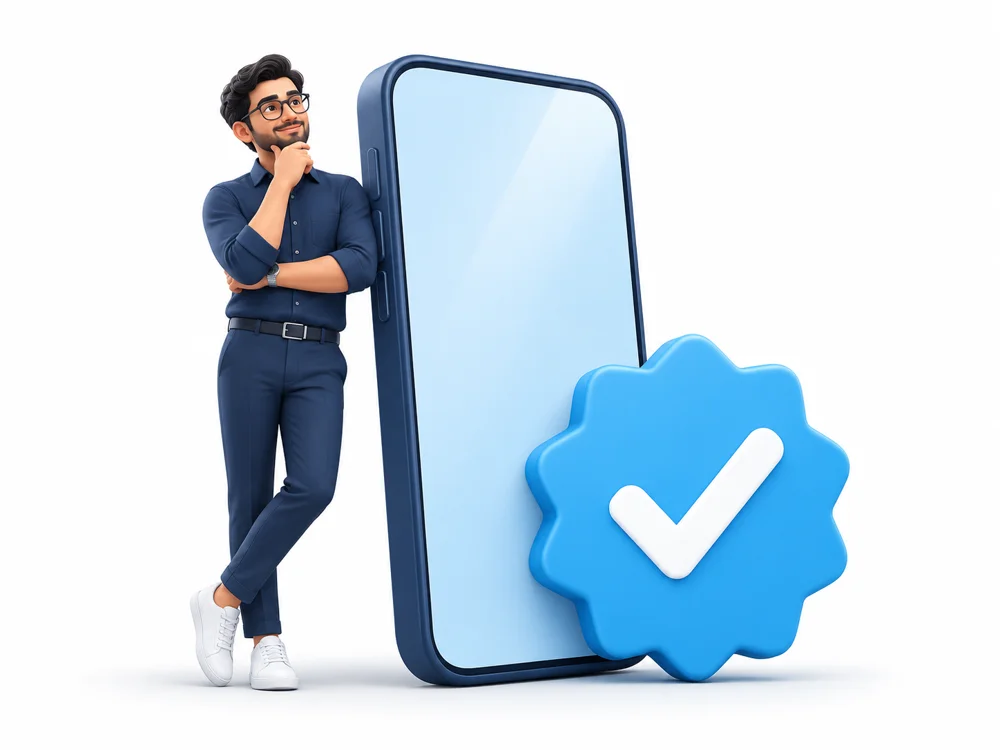
Conceptual illustration of a business owner beside a phone and a blue verification badge

Understand your options

Two routes. Different requirements.

A blue badge can come from a Meta Verified subscription or Official Business Account approval. The right route depends on your account, country and business needs.

WhatsApp Business app

Meta Verified subscription

For eligible businesses that use the WhatsApp Business app and want the subscription benefits available to their account. You can apply directly in the app; using an agency is optional.

  • An ongoing paid Meta subscription, subject to eligibility and review.
  • Availability, plan benefits and subscription prices vary by account and location.
  • Look for Meta Verified under Settings or Business Tools. If it is unavailable, payment through an agency does not unlock it.

Paid to MetaThe subscription is separate from Sendwo’s OBA assistance service.

WhatsApp Business Platform / API

Official Business Account (OBA)

For an eligible business phone number on the WhatsApp Business Platform. This is a separate application reviewed by Meta, rather than a Meta Verified subscription purchase.

  • Requires the relevant account and business verification prerequisites.
  • An eligible administrator can request OBA status through WhatsApp Manager.
  • Meeting the checklist allows an application; it does not guarantee a badge.

Sendwo assistance starts at US$959Our fee covers professional application assistance, not a payment to Meta for approval.

Meta business verification confirms the business behind an account. It is a separate process and does not automatically award a blue badge.

What we help with

Prepare a stronger application.

Verification starts with the right account setup and consistent business information. We review the gaps, explain what needs attention and help you work through the application process.

Eligibility and route review

We check your country, current app or API setup, account status and the verification option available to your business.

Business and document readiness

We review your business details, supporting documents, website information and display-name consistency, then identify what needs correcting.

Account preparation

We guide the relevant administrator through business verification, phone security and other account requirements within the agreed scope.

Submission guidance and follow-up

We help prepare the request, coordinate submission with your authorized administrator and explain the next steps after Meta’s response.

Need website fixes or broader brand-presence support? We can discuss these separately. Optional paid PR is arranged through third-party media partners. It is not a mandatory OBA purchase or a way to buy Meta’s approval.

Before you apply

Check the essentials first.

Meta’s current OBA checklist focuses on five account requirements. We check them with you before preparing a submission, and confirm any additional information requested in your account.

Have your business details ready

Start with your legal business name, country, website, intended WhatsApp number and current account setup. For document review, use the business records and ownership evidence Meta requests for your case.

Share sensitive documents only through the channel agreed with our team. You do not need to upload anything on this page.

  • Policy-compliant business

    Your business must meet the WhatsApp Business Messaging Policy.

  • At least 30 days on the Platform

    Meta lists a minimum registration period before an OBA request.

  • Verified business portfolio

    The business portfolio that owns the number has completed business verification.

  • Two-step verification enabled

    The business phone number has its required security setup enabled.

  • Approved display name

    The number’s display name has passed Meta’s review.

The application process

A clear next step at every stage.

We separate preparation from Meta’s decision, so you know what is ready, what is missing and what happens after submission.

Contact our team

Use Contact Us to tell us your country, business website and whether you use the Business app or API. We begin with the available route.

Review your scope

We assess the account, identify readiness gaps and provide the quote. Country-specific requirements and any additional services are explained first.

Prepare and submit

We help organize the required information and guide your authorized administrator through the eligible submission process.

Receive Meta’s decision

Meta reviews the request. We help interpret the response and plan the next step. Preparation time and approval time are different; neither is a guaranteed deadline.

Using the Business app and API together?

Eligible Business app numbers can use Coexistence to connect to the API while continuing to use the app. Badge eligibility is a separate question: Meta’s OBA documentation excludes Business app phone numbers. We check your exact setup and the available verification route before recommending an account change or assuming a badge will carry over.

Questions, answered

Before you request verification.

Is a blue tick different from the old green tick?

“Green tick” is the older terminology. The current verified badge is blue. The appearance of the badge does not tell you whether it came from a Meta Verified subscription or OBA approval, so it is important to understand the route behind it.

Can I apply myself without paying Sendwo?

Yes. Eligible Business app users can apply for Meta Verified in the app, and eligible Platform administrators can request OBA status through WhatsApp Manager. Sendwo’s paid service is optional help with readiness, preparation and the application process.

What does the starting price of US$959 cover?

It is the starting price for Sendwo’s OBA application assistance. The agreed scope can include route review, document and account-readiness guidance, submission preparation and follow-up support. Your country and the work required determine the final quote. It is not Meta’s subscription price or a fee that purchases approval.

Do I need notability or paid press releases?

Older OBA guidance emphasized brand notability and independent news coverage. Meta’s current public OBA checklist lists five account requirements instead. We follow the current requirements and any evidence requested for your account. Paid PR is optional and delivered through third-party media partners; paid or promotional placements must not be presented as independent notability evidence or a guarantee of approval.

Does Sendwo guarantee approval or a fixed turnaround?

No. Meta controls eligibility, review and the final decision. We can help prepare the application and correct readiness gaps, but cannot promise a badge or a fixed approval date. An eligible, complete submission can still be declined.

What if my OBA request is rejected?

We review the response with you and discuss the next steps within the agreed service scope. Meta’s current OBA documentation requires a 30-day wait before another request. A rejected badge request does not, by itself, mean you must stop using your otherwise eligible WhatsApp Business Platform account.

Does verification include free WhatsApp API messages?

The blue badge itself does not provide a free-message entitlement. API messaging charges follow Meta’s current pricing rules, message category, recipient market and any applicable allowances. These are separate from Sendwo’s assistance fee and from a Meta Verified subscription.

Will a Facebook or Instagram badge verify my WhatsApp account?

Do not assume so. Verification products and eligible assets differ. We check the WhatsApp number and route you want to use rather than treating a badge on another account as automatic WhatsApp approval.