
WhatsApp Message Not Delivered? 5 Common Reasons & Fixes
Learn 5 common reasons WhatsApp Message Not Delivered and quick fixes to solve single-tick delivery issues fast.
 By Aditi Kamini
Published: May 6, 2026
6 min read
By Aditi Kamini
Published: May 6, 2026
6 min read
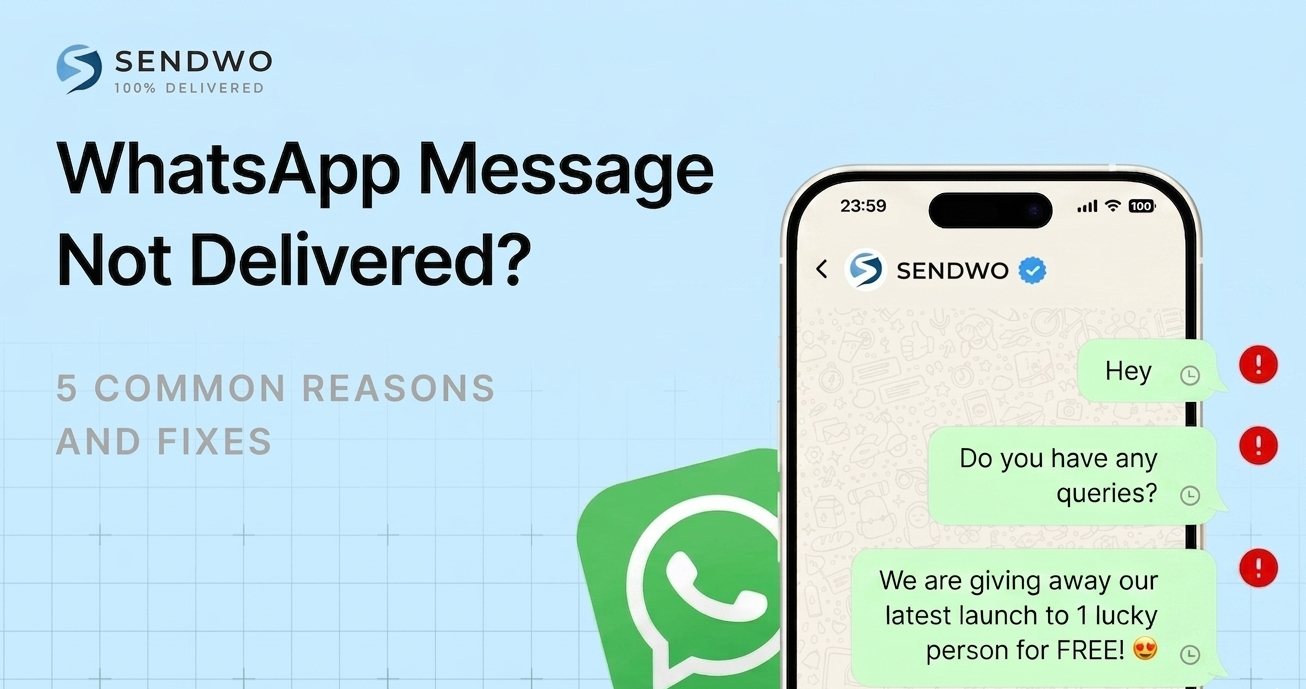
Learn 5 common reasons WhatsApp Message Not Delivered and quick fixes to solve single-tick delivery issues fast.
Imagine you send a WhatsApp message and see only one gray tick – the dreaded sign that it’s not delivered. With over 100 billion messages sent every day on WhatsApp, a single undelivered message is usually no catastrophe, but it can be frustrating, especially if it’s urgent or for business. The one-tick state means WhatsApp accepted your message but it hasn’t reached the recipient’s device yet. The good news? It’s almost always fixable.We’ll cover everything from simple network hiccups to account issues, and share tips (and a tool like SendWo) to maximize your delivery rates. Let see WhatsApp Message Not Delivered? 5 Common Reasons & Fixes.
1. Common Reasons & Fixes for WhatsApp Message Not Delivered
1. Poor Internet Connection or Offline Recipient
WhatsApp messages can only deliver when both sender and receiver are online. A single gray tick often means “in transit” – your phone sent the message, but the other phone isn’t connected to the internet.
Common scenarios include:
- Phone switched off or in airplane mode. The recipient’s device is simply off or unreachable.
- No data/Wi-Fi. Their phone has no mobile data or Wi-Fi signal (e.g. underground, rural area).
- Network issues or low signal. Even if on, a poor connection can block delivery.
- How to fix it: Ensure your own internet is working first – try sending any WhatsApp Message Not Delivered to another contact or load a webpage. You can also toggle airplane mode or switch between Wi-Fi and mobile data to reset your connection. If your internet is fine, ask the recipient to check their phone: have them turn on data or Wi-Fi, recharge the battery, or toggle airplane mode. In most cases the message will deliver once the recipient’s phone reconnects. (If you both are online and the tick still stays gray, move to the next possible causes.)
2. Wrong Number or Contact Not on WhatsApp
- WhatsApp only delivers to valid, registered numbers. If the phone number is wrong or isn’t linked to a WhatsApp account, your message will never go through. For example, your contact may have changed numbers, deleted WhatsApp, or you might have entered a digit incorrectly (even the country code).
- Signs: You’ll see one gray tick permanently, and the message status may show “Undelivered.” Business users often see an “unregistered user” error in their dashboard.
- How to fix it: Double-check the number. Make sure you have the correct country code and no typos. If possible, verify via another channel (SMS or call) that the person’s WhatsApp number hasn’t changed. For businesses, maintain a clean contact list: use opt-in forms with OTP verification or CRM integration so only valid, active WhatsApp numbers are saved.
3. You’ve Been Blocked (or Have No Opt-In)
- One permanent cause: the recipient blocked you. If someone blocks your number on WhatsApp, your messages will never deliver. You’ll see one gray tick forever, and you won’t see the contact’s profile changes or “last seen”. Other tell-tale signs are that your calls to them never ring, and you have no access to their status or profile updates.
- For businesses, a similar effect happens when you send messages to users who never opted in to receive them. WhatsApp requires explicit consent to message people. If you ignore opt-in rules or spam users with marketing content, WhatsApp’s system may block or throttle your messages.
- How to fix it: If you’re personally blocked, there’s no technical fix – respect their privacy and try another way to contact them. For business messaging, always obtain clear opt-in from customers (e.g. a form sign-up or keyword). SendWo and other official WhatsApp platforms enforce opt-in and will warn you if you violate rules. Focus on high-value, relevant messages. Providing an easy “STOP” reply or unsubscribe option also keeps your quality rating high and helps prevent silent blocks.
4. Outdated App or Device Issues
- If either you or the recipient is running an ancient version of WhatsApp, it can cause delivery problems. WhatsApp updates frequently, and old apps may have bugs or compatibility issues. In some cases (like updates in 2021), outdated clients simply stop receiving messages. Also, device problems like full storage can block incoming messages.
- How to fix it: Update WhatsApp to the latest version on both phones (Google Play or App Store). Also ensure both phones have enough free space and a stable OS. A quick restart of the app (or the phone) can clear minor glitches. After updating, try resending the message.
5. WhatsApp Service Outages or Policy Limits
- Sometimes the issue isn’t on your end at all. WhatsApp’s servers can go down. Although rare, global outages happen even to apps with 2+ billion users. If you notice many contacts can’t be reached or social media lights up with “#WhatsAppDown”, check sites like Downdetector. All you can do is wait for WhatsApp to restore service.
- For businesses, also be aware of WhatsApp’s messaging rules. WhatsApp enforces a 24-hour customer service window: non-templated messages after 24 hours will not deliver. That means if a customer hasn’t messaged you recently, you must use an approved template to reply or the WhatsApp Message Not Delivered will simply fail. Likewise, WhatsApp now limits how many promotional broadcasts each user can receive. Industry reports show broadcast delivery rates dropping to around 50% because once users hit a quota, new messages are blocked.
- How to fix it: For outages, be patient and retry later. For business rules: use only approved template messages for notifications outside the 24-hour window. Don’t blast thousands of users at once – segment your audience and space out campaigns to avoid hitting rate limits. Official WhatsApp API platforms like SendWo handle these rules automatically (for example, SendWo can retry messages when limits lift, and ensures you use templates properly). By following WhatsApp’s guidelines, your messages are much more likely to reach their destination.
Conclusion
- In summary, most “WhatsApp Message Not Delivered” issues boil down to these five reasons: poor internet, wrong number, being blocked, outdated apps, or WhatsApp’s own rules. By methodically checking each cause, you can usually restore normal messaging quickly. For businesses, the simplest solution is to use a trusted WhatsApp messaging platform like SendWo.
- SendWo is built on the official WhatsApp Business API, which means no bans or hidden filters – it verifies contacts, manages opt-ins and templates, and retries any failed sends. In practice, SendWo’s verified API and analytics give you the best chance that every broadcast or notification arrives. Ready to keep your messages from getting stuck? Try SendWo’s free plan and see how reliably your WhatsApp campaigns can perform.
FAQs
1.Q: Why is my WhatsApp message stuck on one gray tick even if the recipient is online?
A: Single tick means sent to server but WhatsApp Message Not Delivered. Causes: blocked, their poor network, or (business) no opt-in. If blocked, it stays one tick forever. Otherwise, ask them to check internet/app and confirm permission.
Turn this learning into your next WhatsApp campaign.
Start with Sendwo’s free plan, explore WhatsApp broadcasts, automation, AI chatbot flows, and upgrade only when your business needs more power.
2.Q: Does one gray tick always mean I've been blocked?
A: No—it means sent but WhatsApp Message Not Delivered (e.g., phone off, no data). Confirm block: perpetual one tick, no status/profile updates, calls won't connect. Otherwise, wait or troubleshoot.
3.Q: How do I fix WhatsApp messages failing to deliver?
A: Check your connection first. Then: 1) Verify number (with country code). 2) Ask recipient to enable phone/data or update app. 3) For business, ensure opt-in and valid templates.
4.Q: Why did my WhatsApp message deliver after a delay?
A: Recipient was offline; WhatsApp queues and sends when they reconnect. Be patient. Consistent delays suggest their spotty internet.
5.Q: Can I force a message to deliver if blocked?
A: No—blocked messages never deliver. Use another number/channel to ask them to unblock, or respect privacy and move on.
Aditi Kamini
Aditi, a content marketer at SendWo, is a passionate writer and marketing enthusiast. She excels in driving revenue campaigns, building client relationships, and mastering content creation, SEO, customer service, and project management.


